Project Snapshot

Team
6 Designers (2 mid-level + 4 senior) + 5 Engineers

Scope of work
Audited component usage across flows.
Identified inconsistencies in radius, spacing, and variants.
Redesigned core components.
Collaborated with developers to improve implementation.

Impact
↓ 110+ components to 35 reusable ones.
↓ Rework & QA cycles.
↓ Reduced frontend effort by 40%, based on developer feedback across sprint cycles after adopting standardized components.
Short on time? Here’s a quick audio walkthrough.
Problem
Low Design System Adoption Across Teams
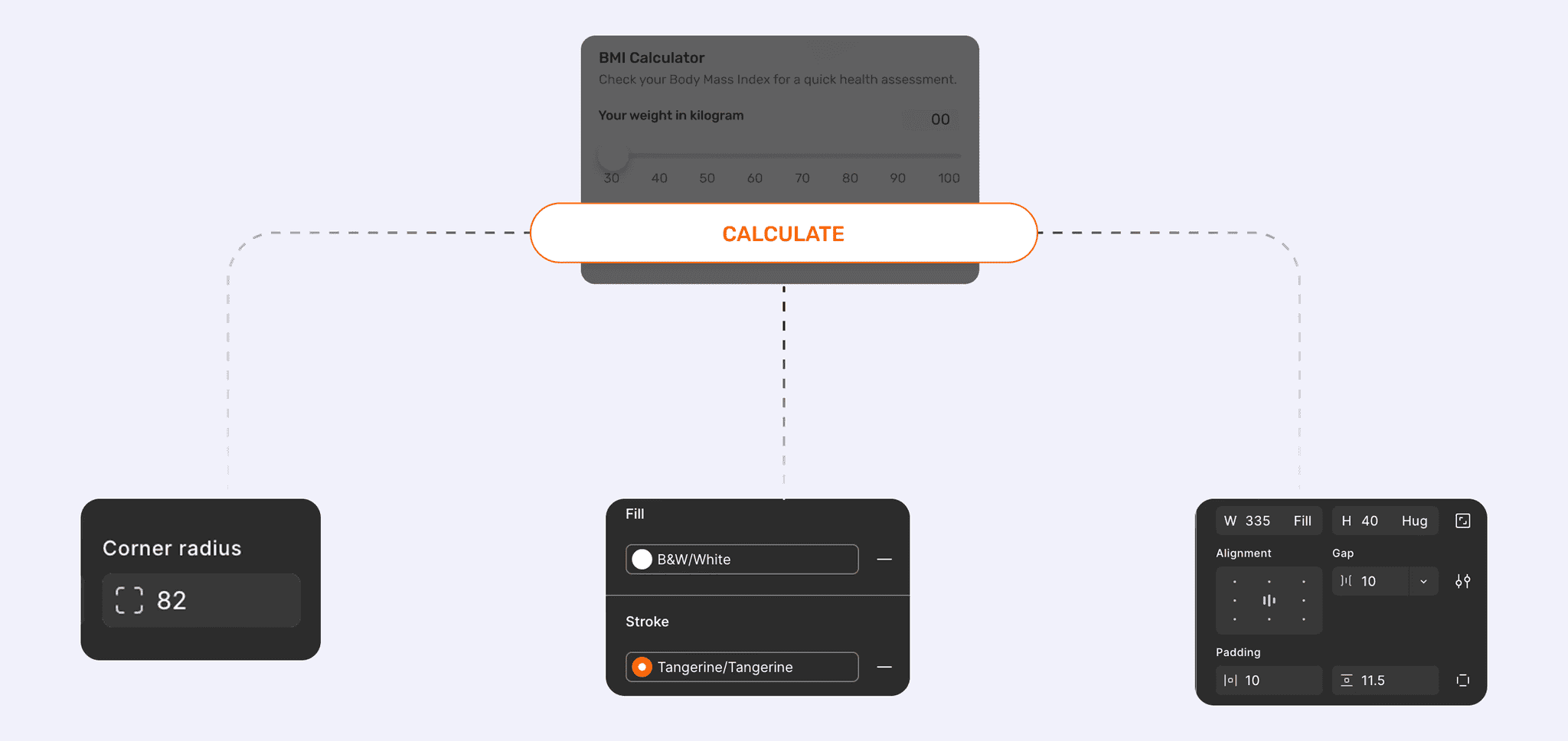
A design system existed, but cross-team adoption was critically low.
Low Design System Adoption
Only 30–40% of production screens used system components consistently.
Designers often detached and recreated components, breaking consistency.
Developers built custom UI patterns instead of reusing shared components.
As a result, the design system failed to function as a reliable source of truth across products.
Fragmented Components and Inconsistent UI
The same component existed in multiple versions across products.
Foundational elements (e.g., chips and small UI patterns) evolved into inconsistent styles and variants.
This increased maintenance effort and weakened the system as a single source of truth.
Establishing a Reliable Source of Truth for Product UI
Establish a clear and reliable design system foundation where components behave predictably, teams understand when and how to use them, and both design and development rely on the same source of truth for building product interfaces.
Process
Auditing Existing Components and Usage Patterns
Audit Approach
Audited live production screens, design libraries, and delivered files.
Analyzed component usage, variants, tokens, and accessibility.
Compared design vs front-end implementation across key flows.
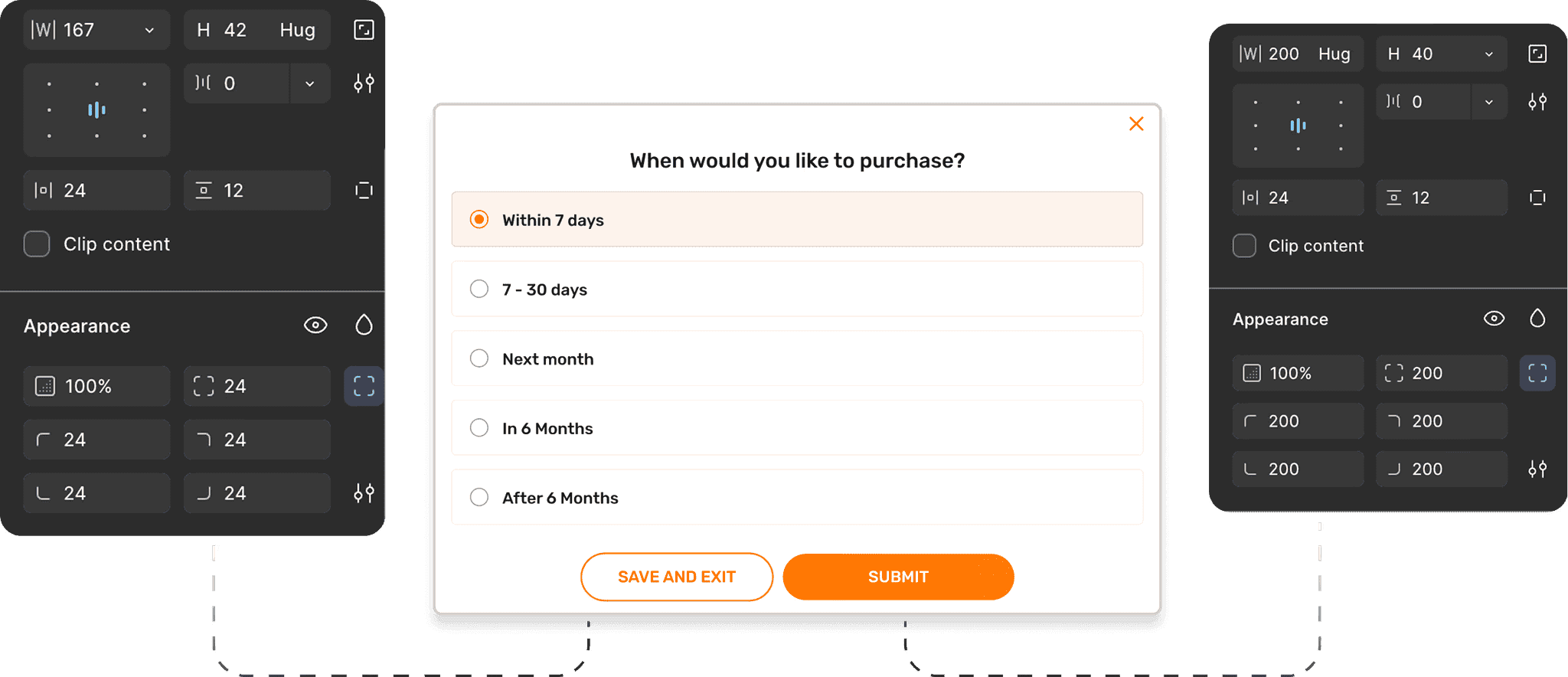
Example of inconsistent button styles and spacing patterns across product screens, despite a shared design system.
Key Findings (From the Audit)
Multiple primary button versions appeared in a single sprint, causing confusion about which was correct.
Shared components behaved inconsistently across flows due to over-configured variants.
Low trust in the design system led to poor adoption and a fragmented UI.
Core components (even primary buttons, chips) were rebuilt locally, reducing reuse of foundational elements.
Accessibility tokens failed compliance checks.
Inconsistent component scaling across breakpoints caused layout inconsistencies.
The audit confirmed the issue was not lack of a system it was lack of clarity, usability, and enforcement.
DCX research showed that product serves a wide age spectrum, including a significant portion of users aged 36+ and 50+
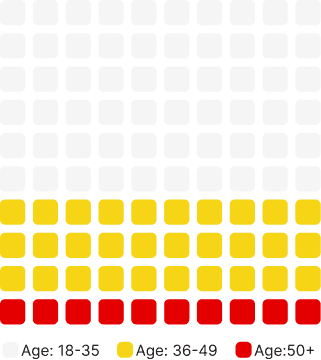
As an NBFC, the system must meet RBI and WCAG 2.2 accessibility standards.
Understanding Component Usage Patterns Across Design and Development
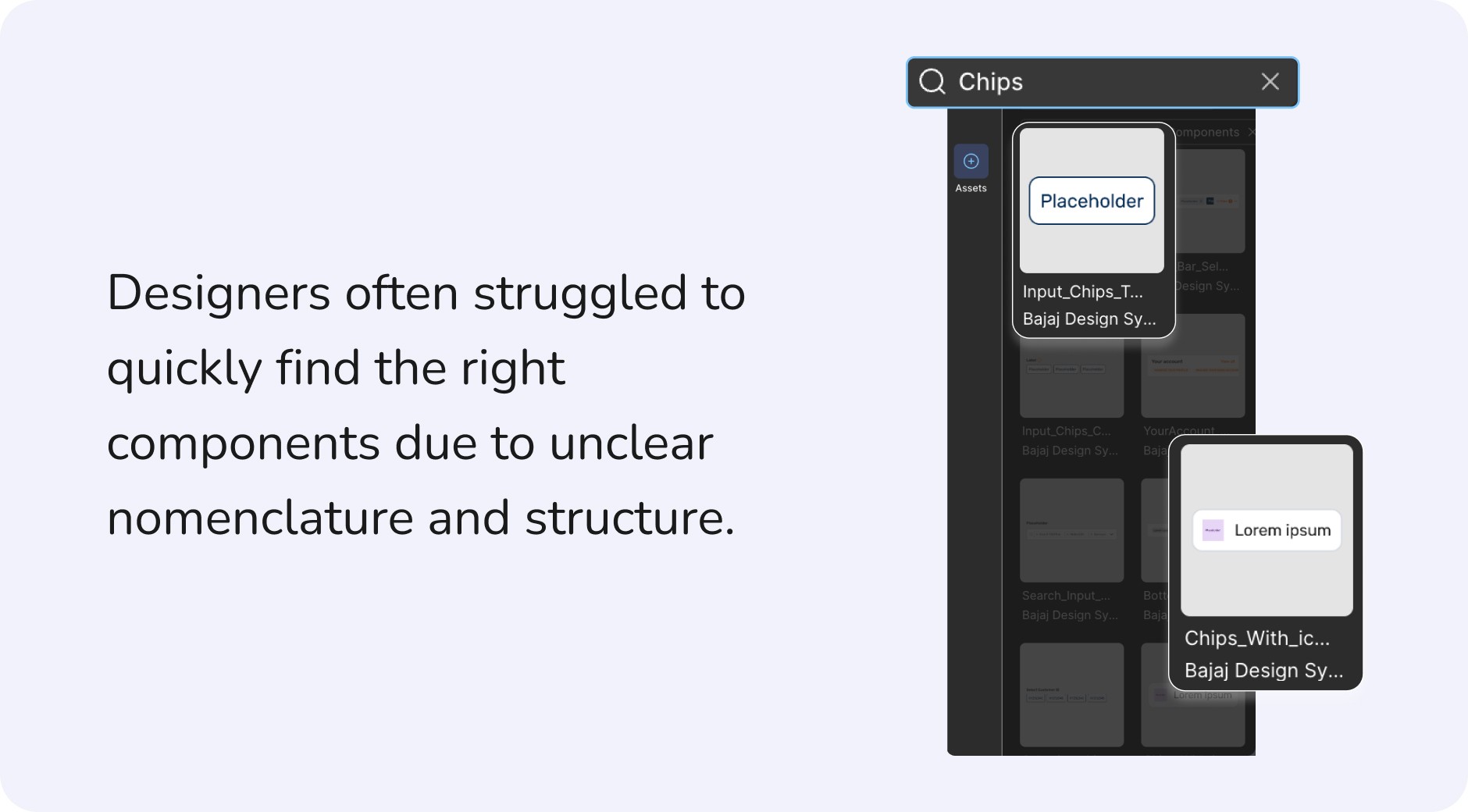
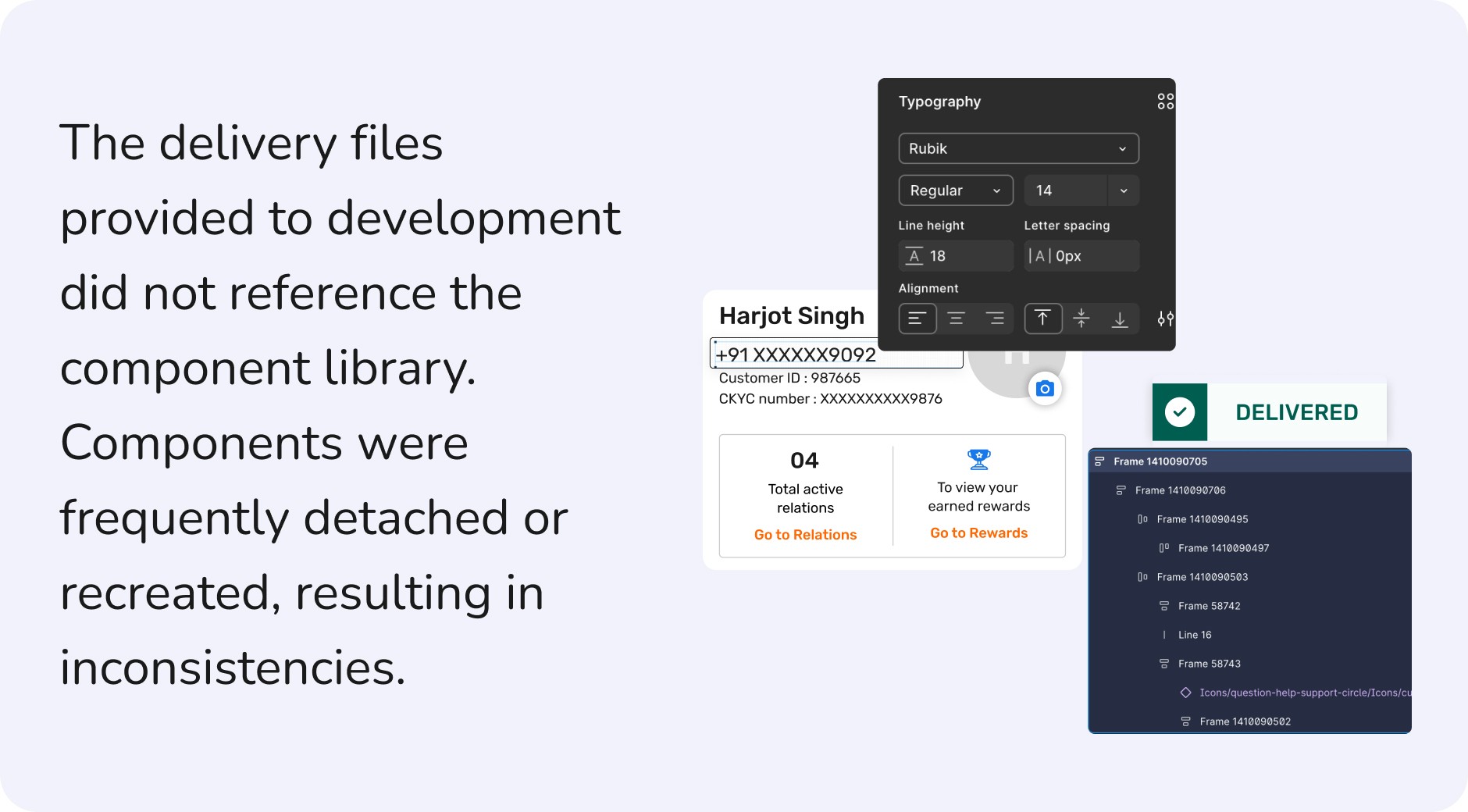
Gaps in the delivered files caused the design and dev libraries to evolve separately, leading to inconsistent across products. I approached component design prioritizing scalability and code-readiness through proper use of Auto Layout, constraints, and styles.
Built to Handle Frequent Updates
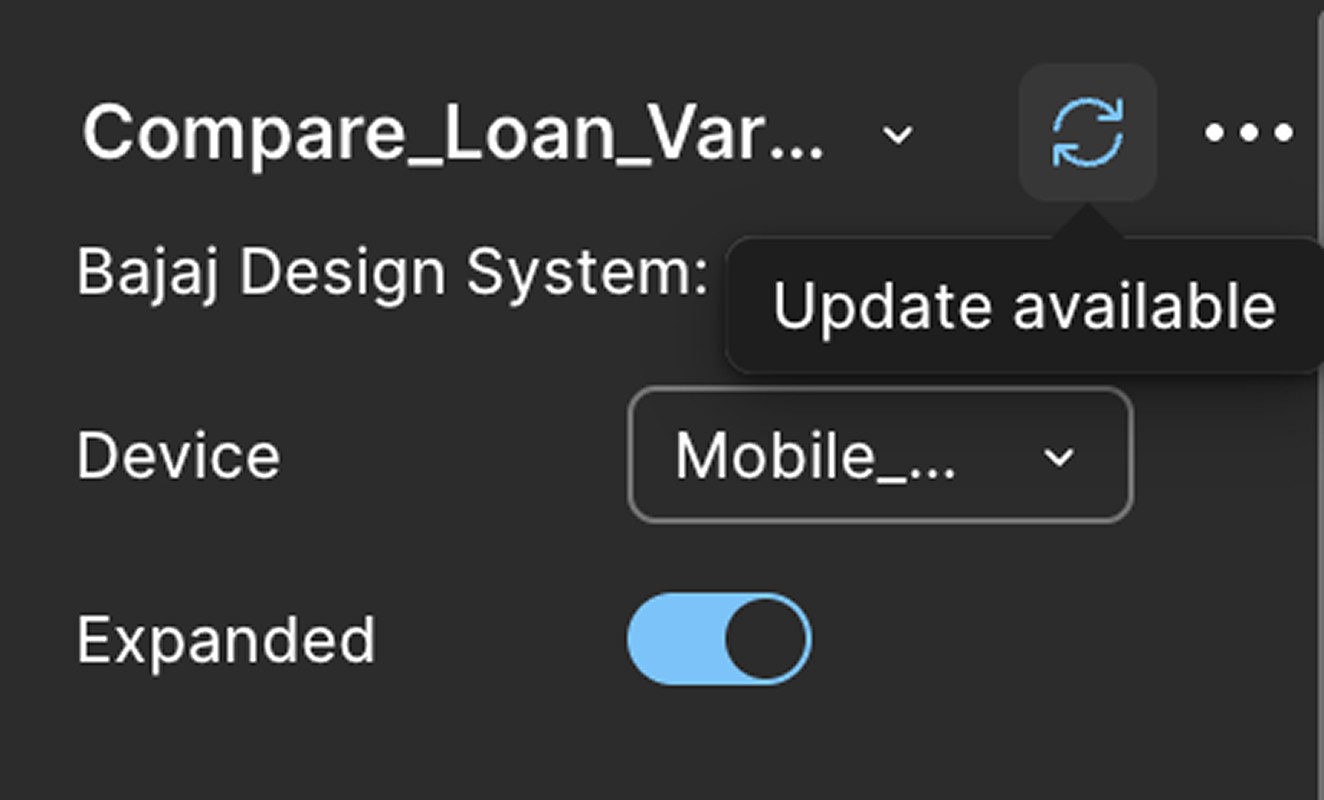
Small component changes impacted multiple files, revealing the need for flexible components that support parallel updates without breaking layouts.

A senior designer once said this and I book marked it.
Solution
Making Components Clear, Consistent, and Developer-Ready
Standardizing Component Structure
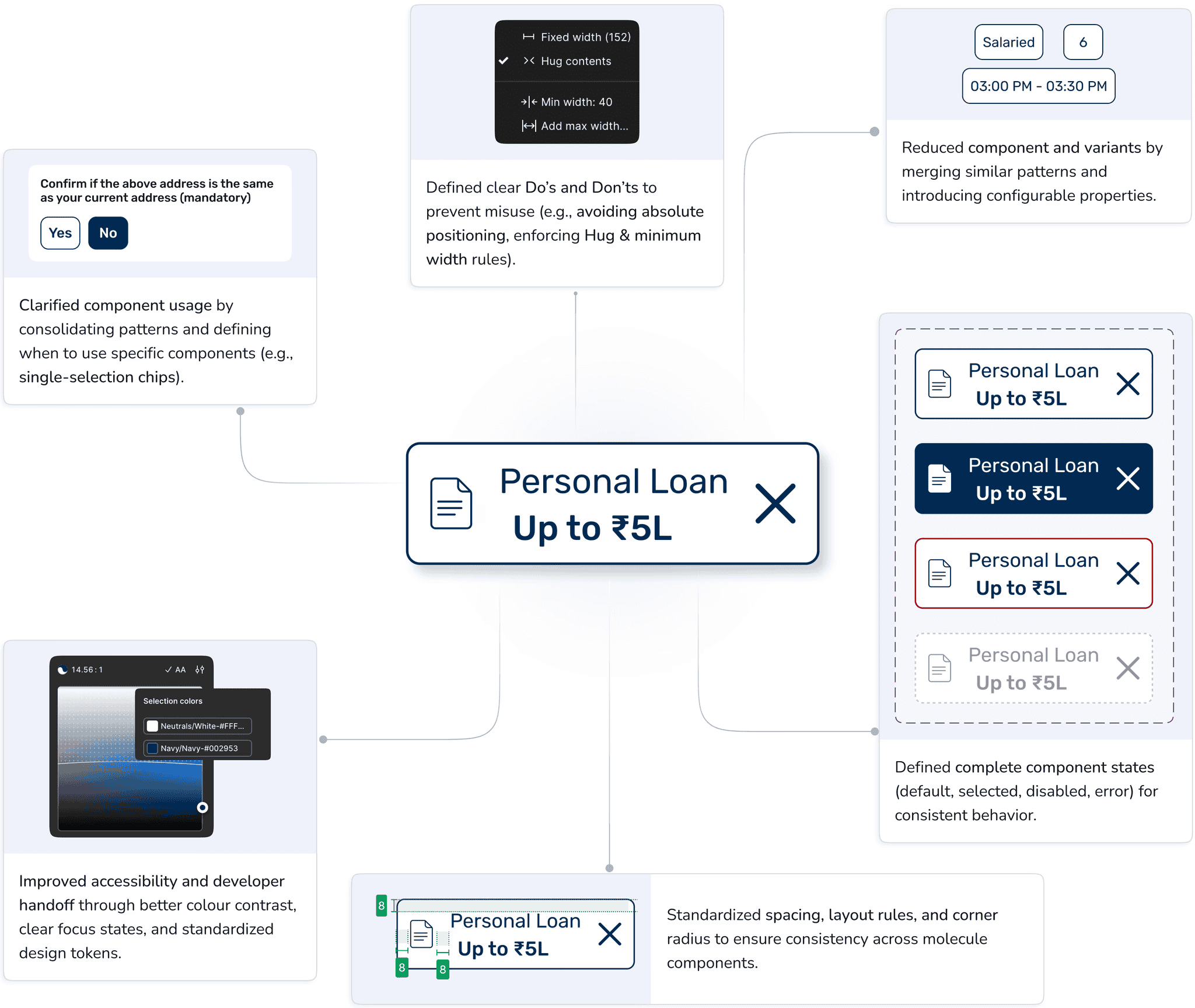
From 110+ Components to a Scalable System
110+
Due to the absence of an atomic system, the system grew to 110+ components.
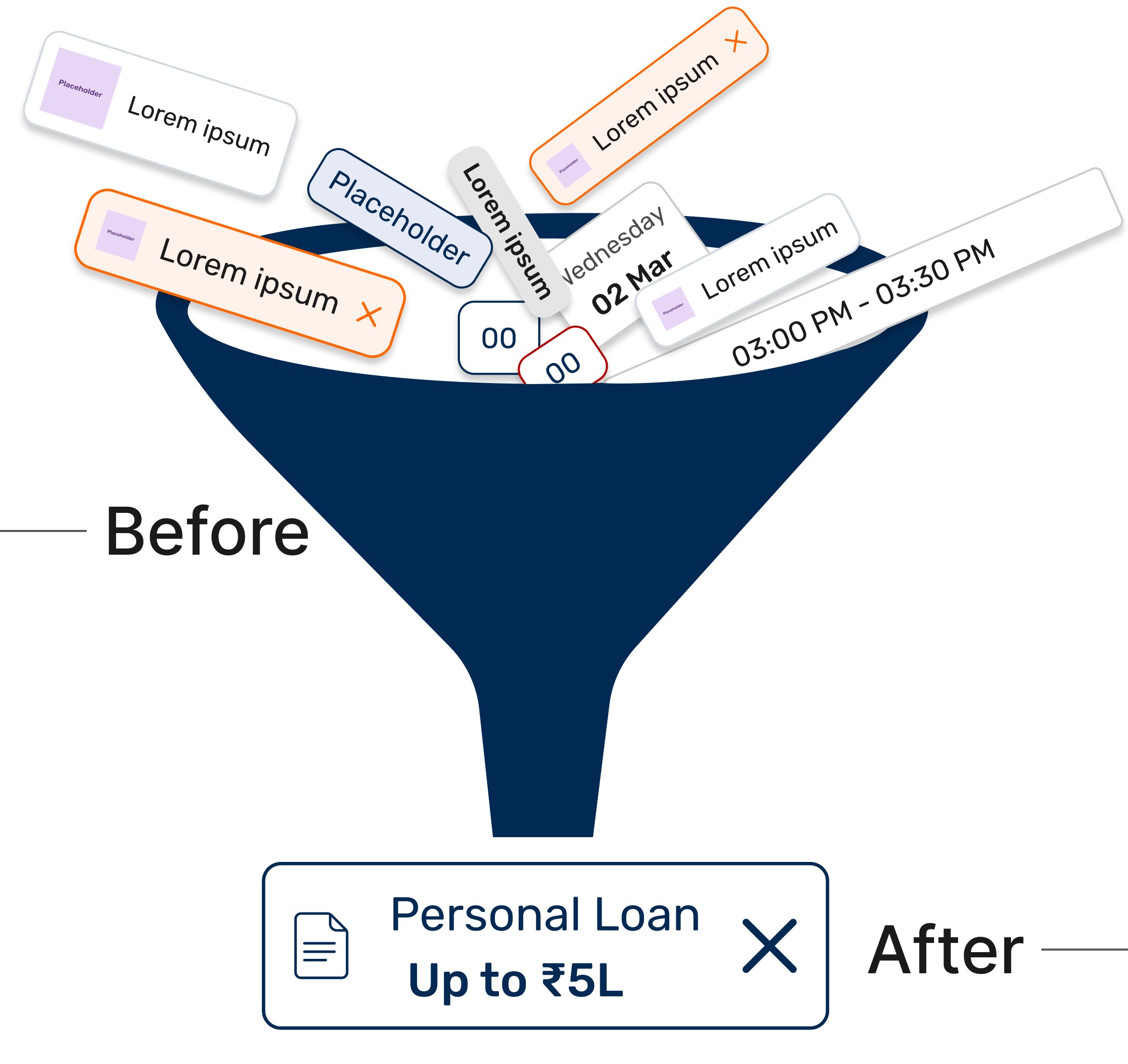
35
Standardization beyond spacing, padding, and radius unified component states, reducing the system to 35 components and enabling consistency.
What we removed (and why)
Merged duplicate with varying widths into one flexible component.
Removed rarely used or feature-specific components.
Standardized spacing and corner radius across components.
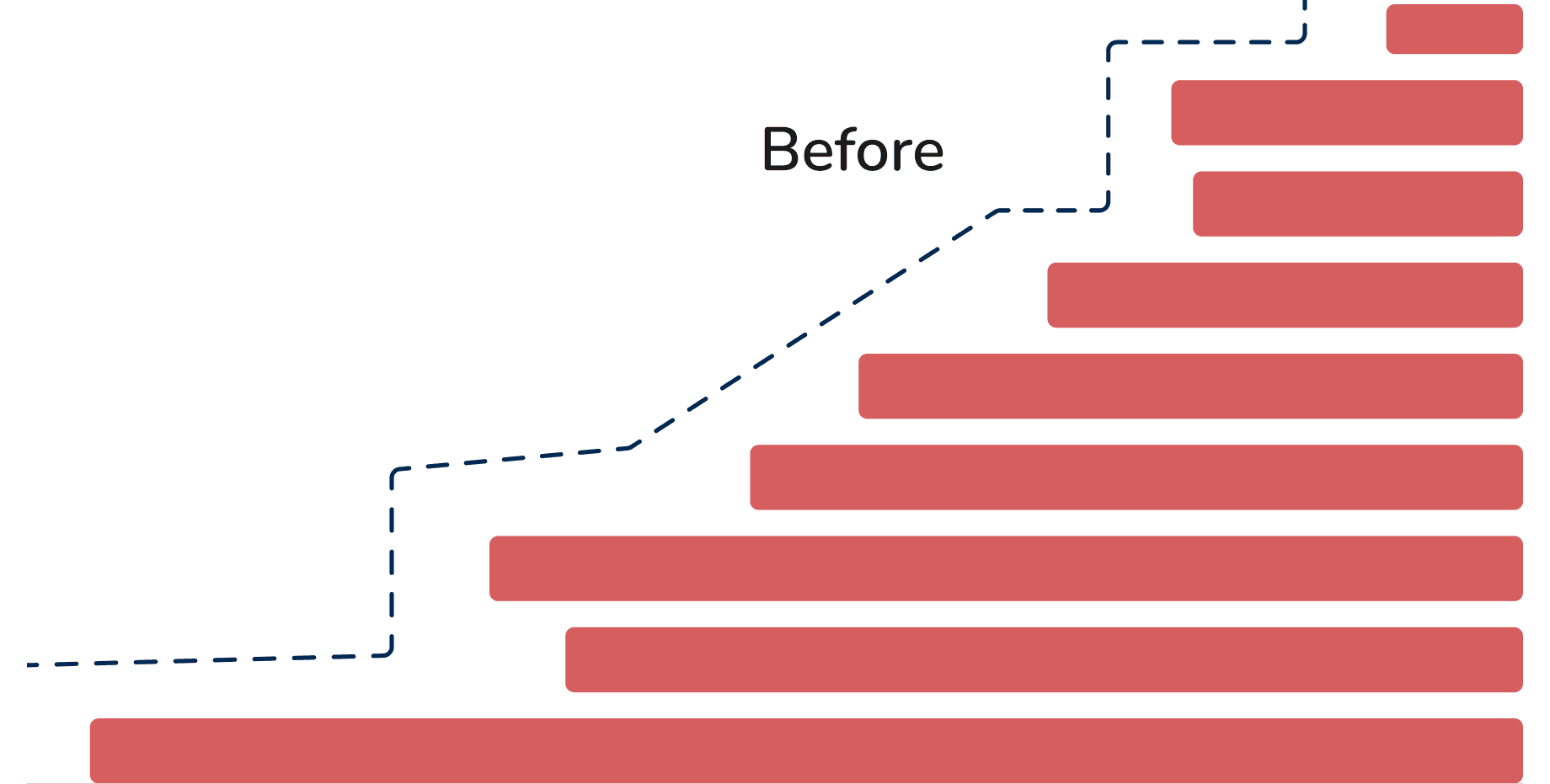
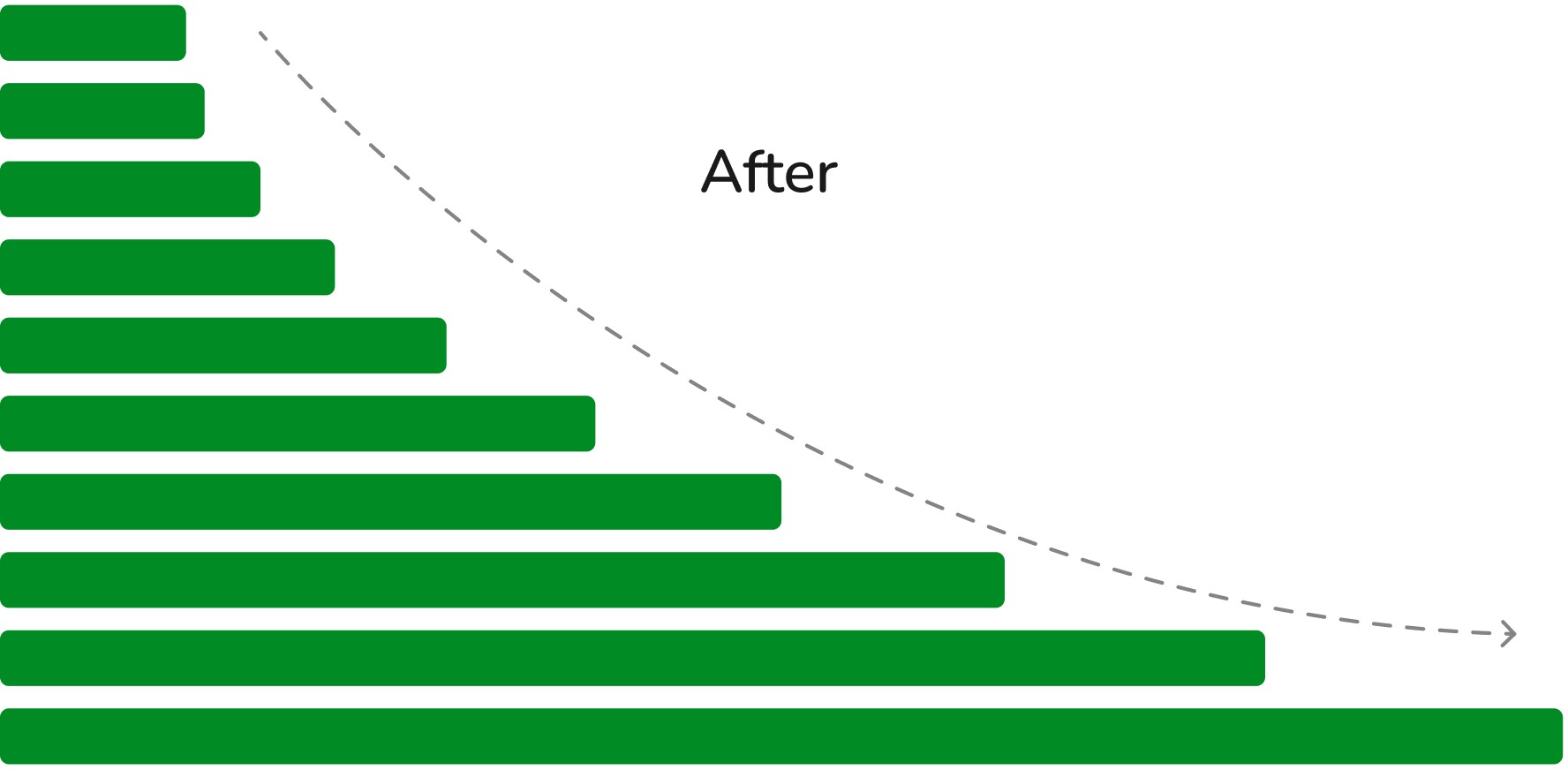
Scaling inconsistencies existed due to the lack of a 4px/8px system, resulting in values (e.g., 13, 15).
All spacing and sizing were standardized using a 4px scaling system, ensuring consistency.
Balancing Consistency and Flexibility in the Design System
✓ Merged similar patterns to reduce component sprawl.
✓ Defined clear component states (default, selected, disabled, error).
✓ Standardized layout rules (min-width, Hug, spacing).
✓ Removed redundant layers and properties to simplify components.
✓ Ensured responsive behavior.
✓ Documented spacing, padding, and edge cases that were previously undefined.
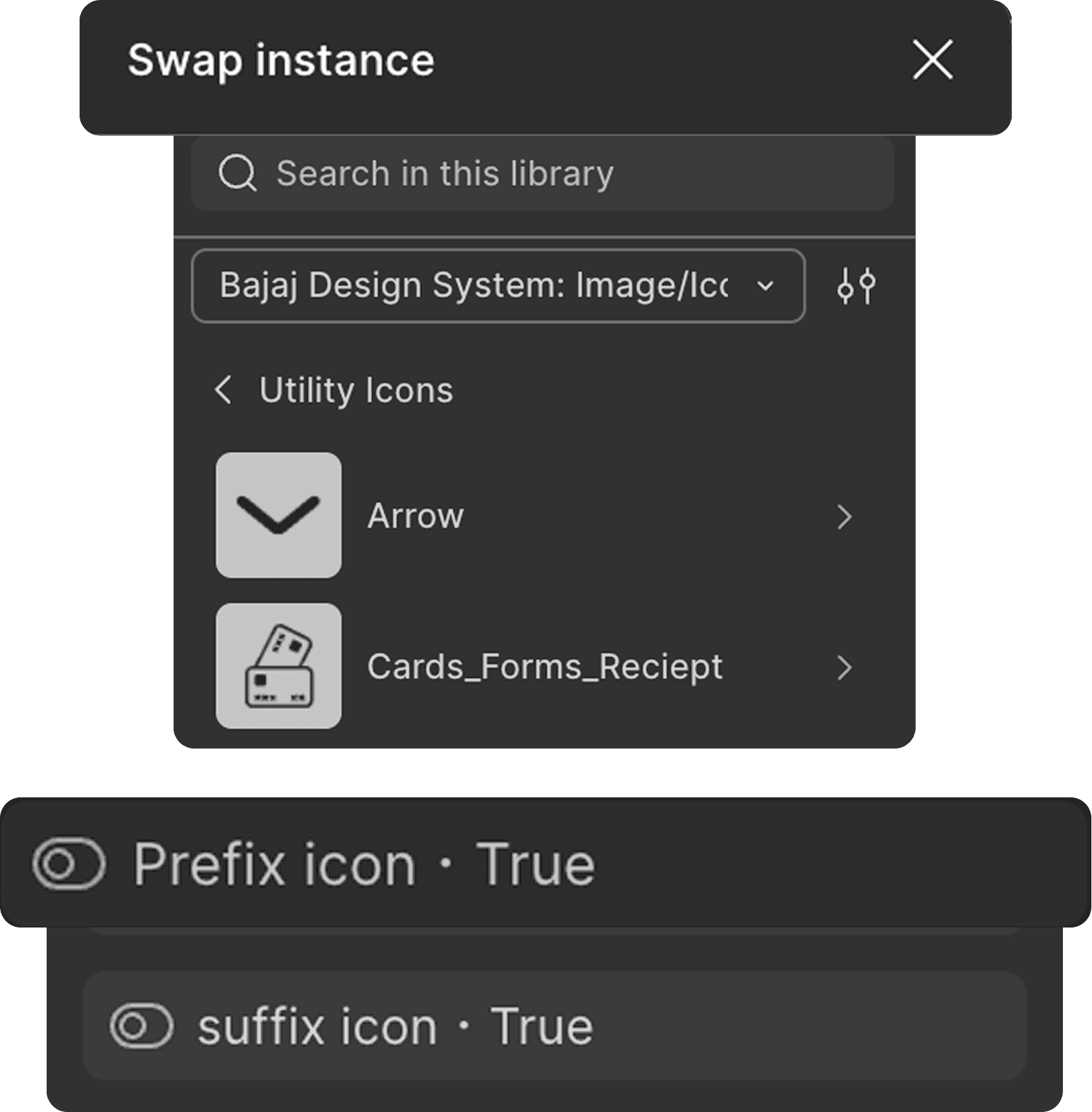

Design–Development Alignment for Scalable Components
Dev alignment: Defined component structure and clarified states vs variants.
Dev-first library: Made easy to search, understand, and reuse in Figma.
Responsiveness: Set clear breakpoint rules (100% vs percentage-based widths).
Design delivery files: Delivered implementation-ready specs, including states, variants, spacing, and edge cases.
Feedback & rollout: Iterated with designers and devs to simplify components and ensure adoption.
System Gaps & Future Improvements
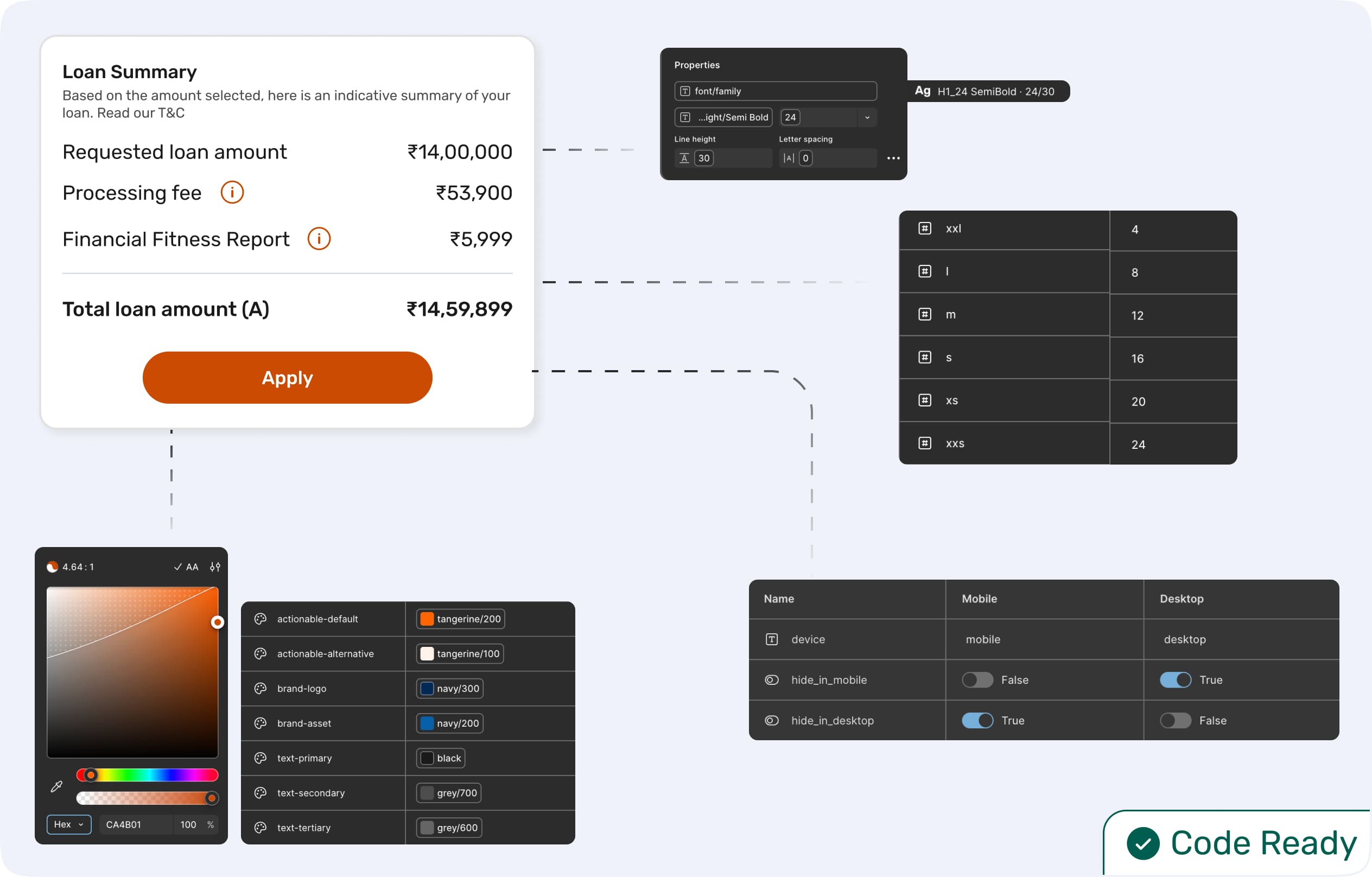
Accessibility: Improve edge-case coverage (e.g., missing disabled states) and ensure consistent token usage for compliance.
Scalability: Strengthen system foundations (spacing, typography, layout rules) to prevent inconsistencies across products.
Documentation: Define clear guidelines for component usage, edge cases, and when to reuse vs create new components.