UX Internship Project

Team
1 Associate UX Designer + 2 Lead Designer.

Scope of work
Audited the existing Ada Design System and conducted secondary research on healthcare standards, accessibility, and compliance.

Impact
Unified workflows through accessible, compliant design systems, reducing design and delivery gaps.
Short on time? Here’s a quick audio walkthrough.
About Ada
Ada Design System by Coditas foundational design system, providing reusable components, shared patterns, and visual consistency across products. As healthcare products scaled, the system evolved to support accessibility, compliance, and workflow-specific experiences.
Core Goals of the Project
Built a workflow-aware component system to reduce fragmentation and improve consistency across healthcare products.
Designed role-based experiences for clinicians, patients, and staff with WCAG, HIPAA, and WHO-aligned accessibility standards.
Created scalable, reusable UI components adaptable across web, mobile, and wearable platforms.
Problem
UX Challenges Affecting Patient Safety and Care Efficiency
Limited Real-Time Support
Critical updates and time-sensitive patient data lacked clear, actionable indicators.
No Role-Based Experiences
Interfaces were not adapted for clinicians, nurses, and patients, creating inefficient experiences.
Not Built for Healthcare
Existing components lacked compliance, accessibility, and workflow-specific considerations.
Missing & Unclear Essentials
Inconsistent components and ambiguous status patterns increased cognitive load and reduced clarity.
Due to NDA restrictions, specific project details and documentation cannot be disclosed. A high-level overview is presented.
On paper, Ada looked complete
In hospitals, it wasn't.

Process
Designing for Safety, Compliance, and Real-World Care
Compliance
Designing for healthcare required balancing patient safety, accessibility, and privacy-first workflows. Compliance shaped how information was displayed, prioritized, and securely accessed across clinical experiences.

HIPAA compliance protected sensitive patient data through role-based access, masked information states, and secure interaction patterns designed to reduce accidental exposure.

Built adaptive experiences with accessible typography, high-contrast visuals, and inclusive interaction patterns that work across devices, regions, and user abilities.
Balancing Compliance, Accessibility, and Real-World Workflows
Safety-first clarity: Prioritized critical information with clear hierarchy and reduced visual noise.
Accessibility by default: Designed scalable, readable interfaces for diverse users, devices, and assistive technologies.
Privacy-aware interactions: Used permission-based visibility, masked states, and secure feedback patterns.
Workflow-aware consistency: Created reusable components that adapt across clinical, admin, and patient experiences.
Low cognitive load: Simplified alerts, statuses, and actions to support faster decision-making in high-pressure environments.
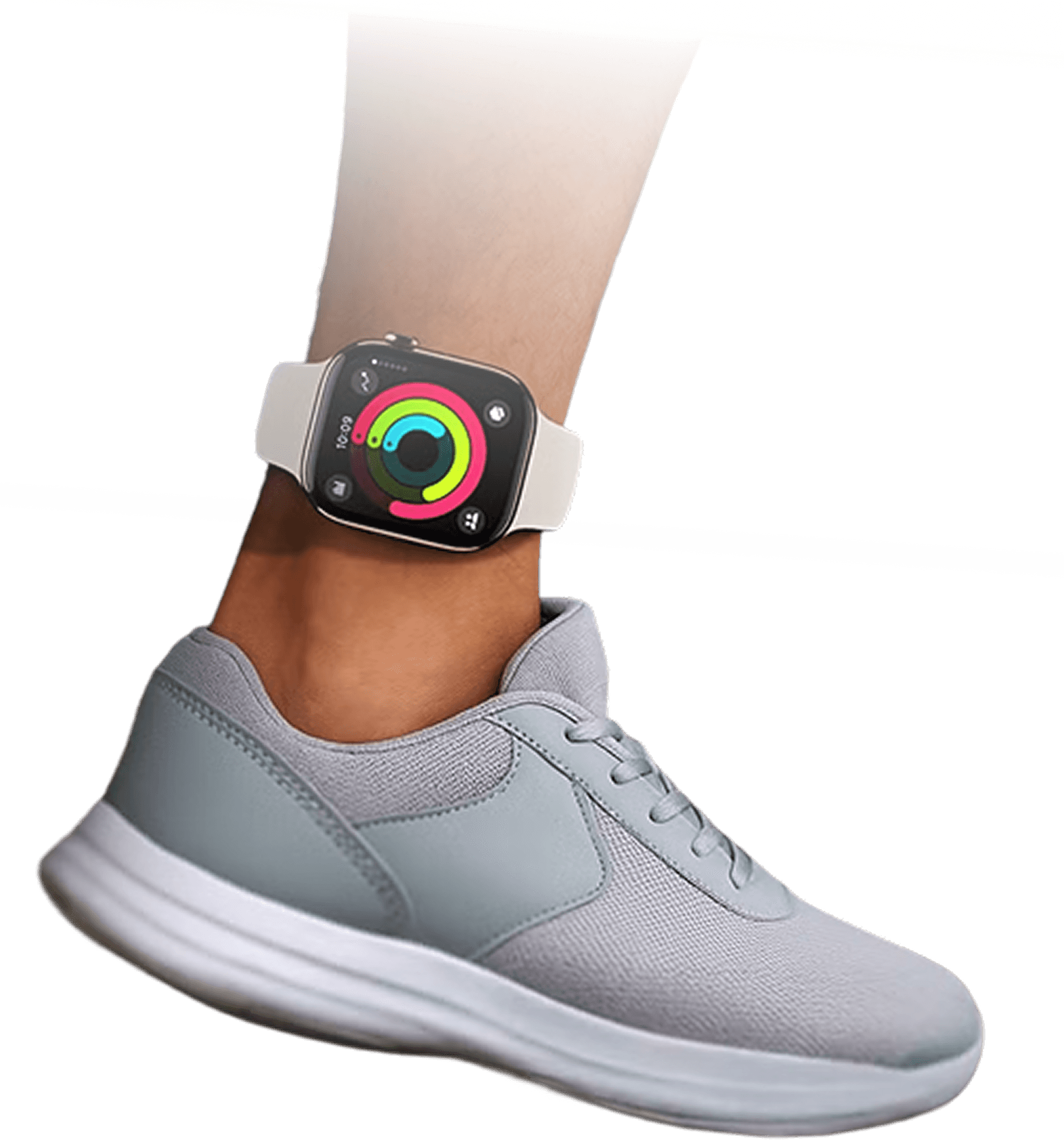
Smartwatches
Addressed missed smartwatch constraints by defining reusable wearable components and design guidelines.
Glance-first UX: Critical actions and health insights accessible in seconds.
Low-effort interactions: Simplified flows designed for fast, contextual use.
Multimodal input: Touch, motion, voice, and biometrics working together seamlessly.
Accessible & secure: Built with WCAG-ready, privacy-first interaction patterns.
Platform-aligned: Designed to follow Apple HIG, Wear OS, and Fitbit guidelines.
Wearable-optimized: Large touch targets, high-contrast typography, and battery-efficient interfaces.
Solution
UX That Works Across Devices, Roles, and Critical Moments
Habit tracking
Designed adaptive interfaces across healthcare workflows, devices, and user roles.

Real-time Communication
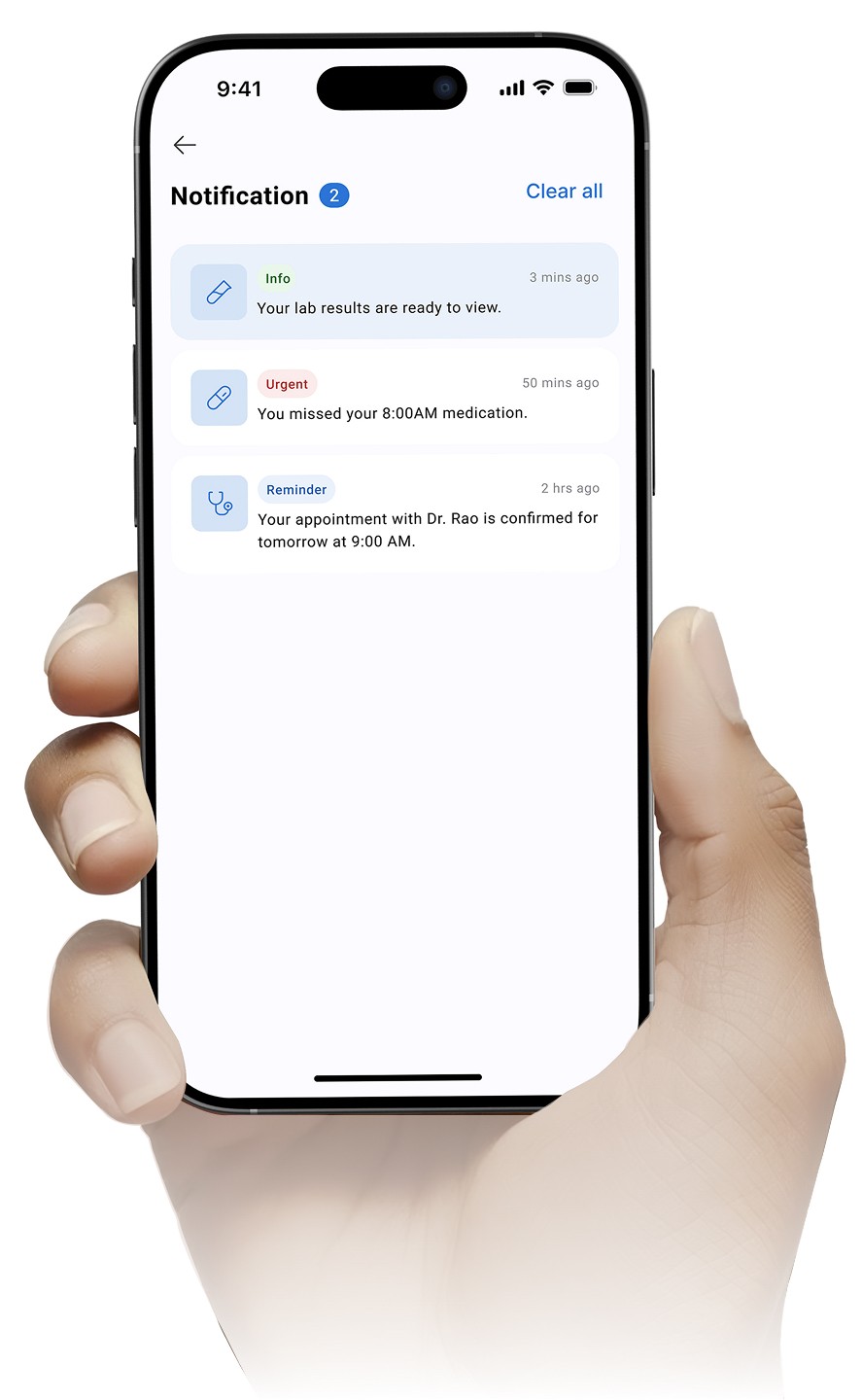
Enabled secure, responsive patient-provider interactions across platforms.

Clear system feedback
Introduced accessible alerts, statuses, and urgency indicators for faster decision-making.

Consistent cross-platform UX
Built reusable patterns that scale seamlessly across web, mobile, and wearables.

Balanced usability & compliance
Combined accessibility, engagement, and healthcare compliance into a unified system.
Visual Language
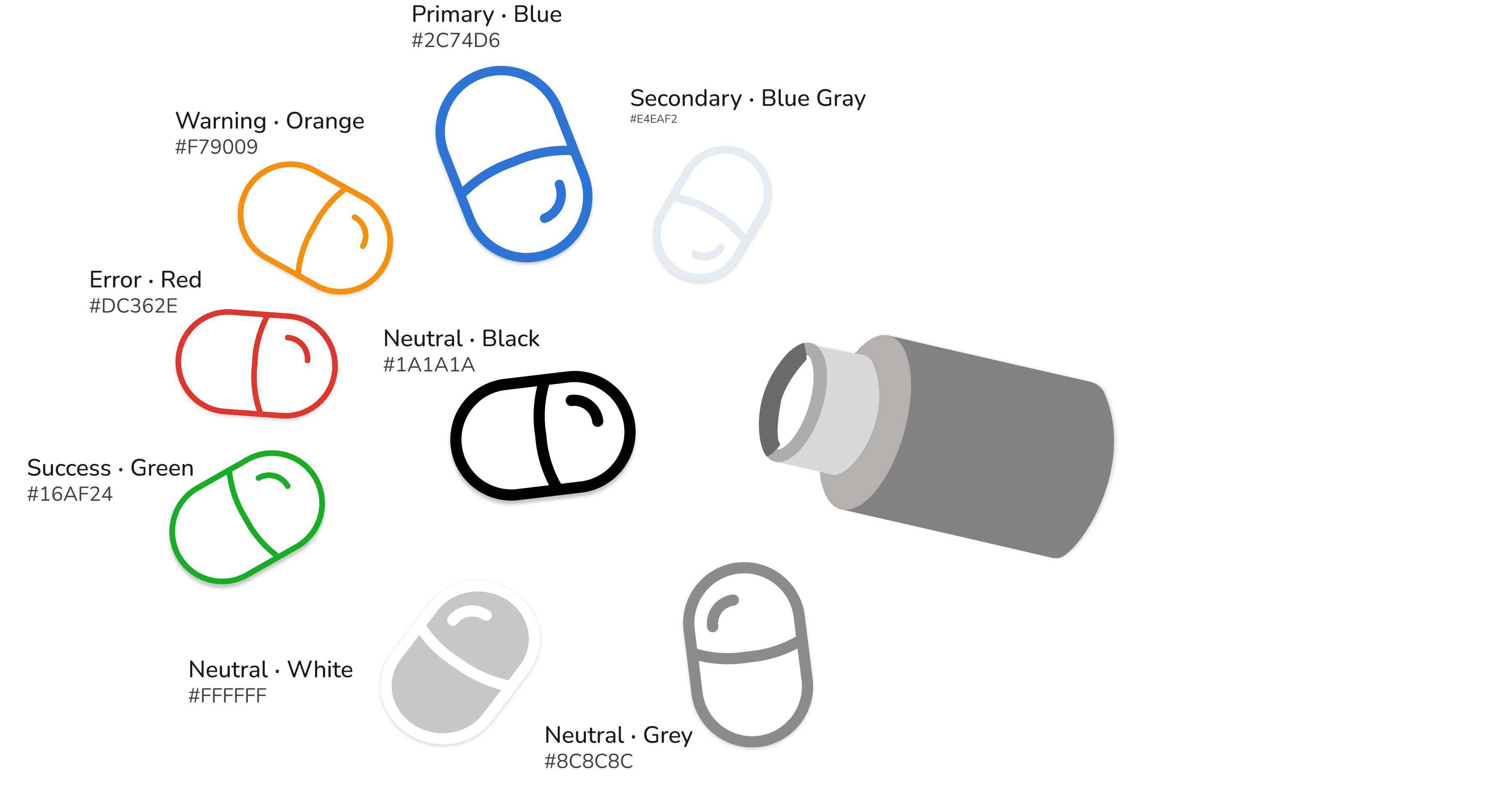
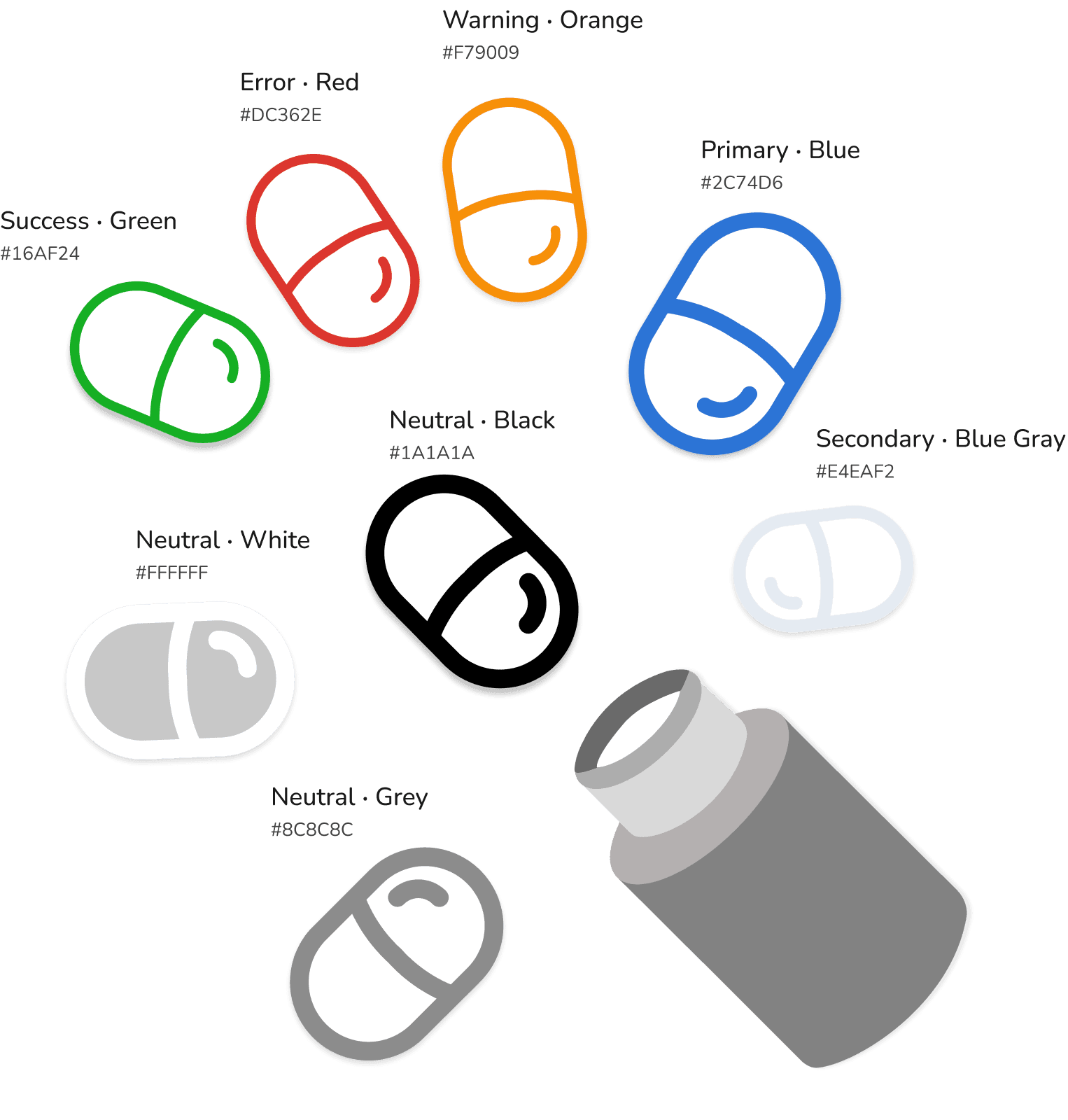
Clean, legible typography for all devices, paired with healthcare-specific icons and accessible, WCAG-compliant colors from Coditas’ Ada design system.
Typography (Font)
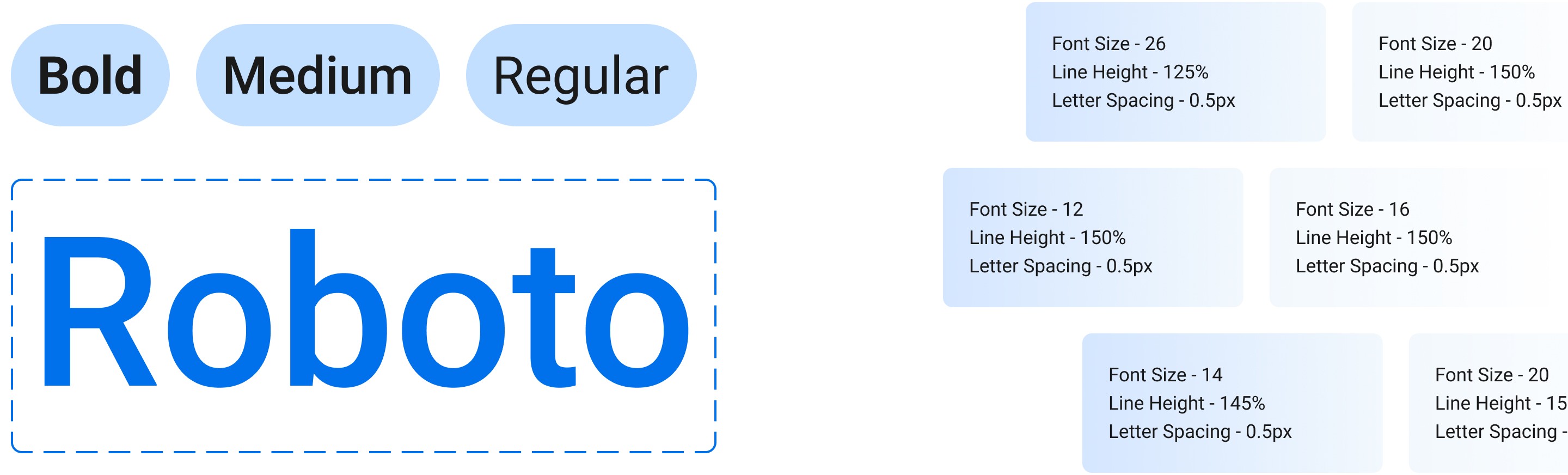
Chosen for clarity, readability, and scanability across healthcare workflows, the type system uses consistent scales to support low-vision users and improve readability across devices.
Colours
Iconography
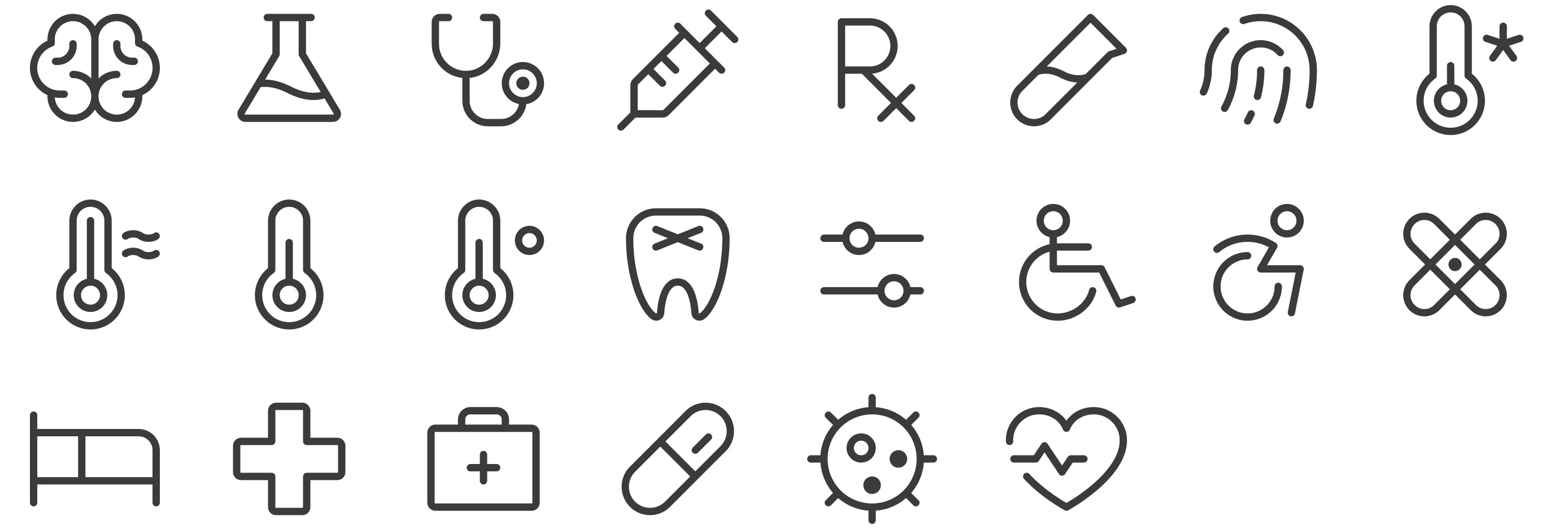
Evolving Components and Patterns
Extended the Design System by adding missing mobile/web, and smartwatch components. These additions do not replace existing components; instead, they address different use cases and fill gaps for the overall library.

Cross-Device Health UI Components System
Smartwatch

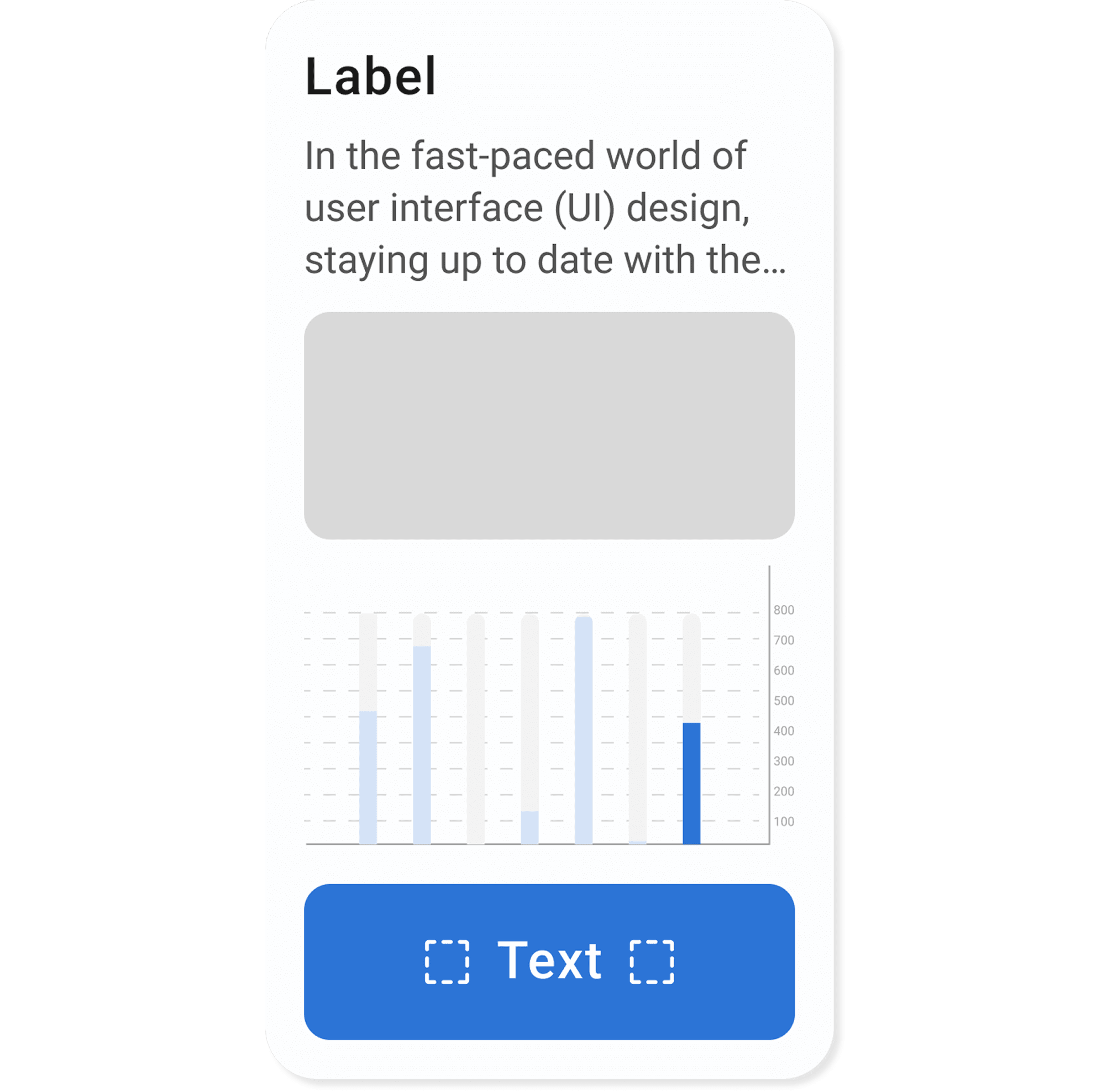
Cards

Cards organize content into clear, scannable chunks, improving visual clarity and readability.
Component Breakdown
Labels, guidance, descriptions, and images clarify context and usage.
Graphs and buttons enable primary or secondary user actions linked to badges.

Layout and Spacing

Mobile/Web Component
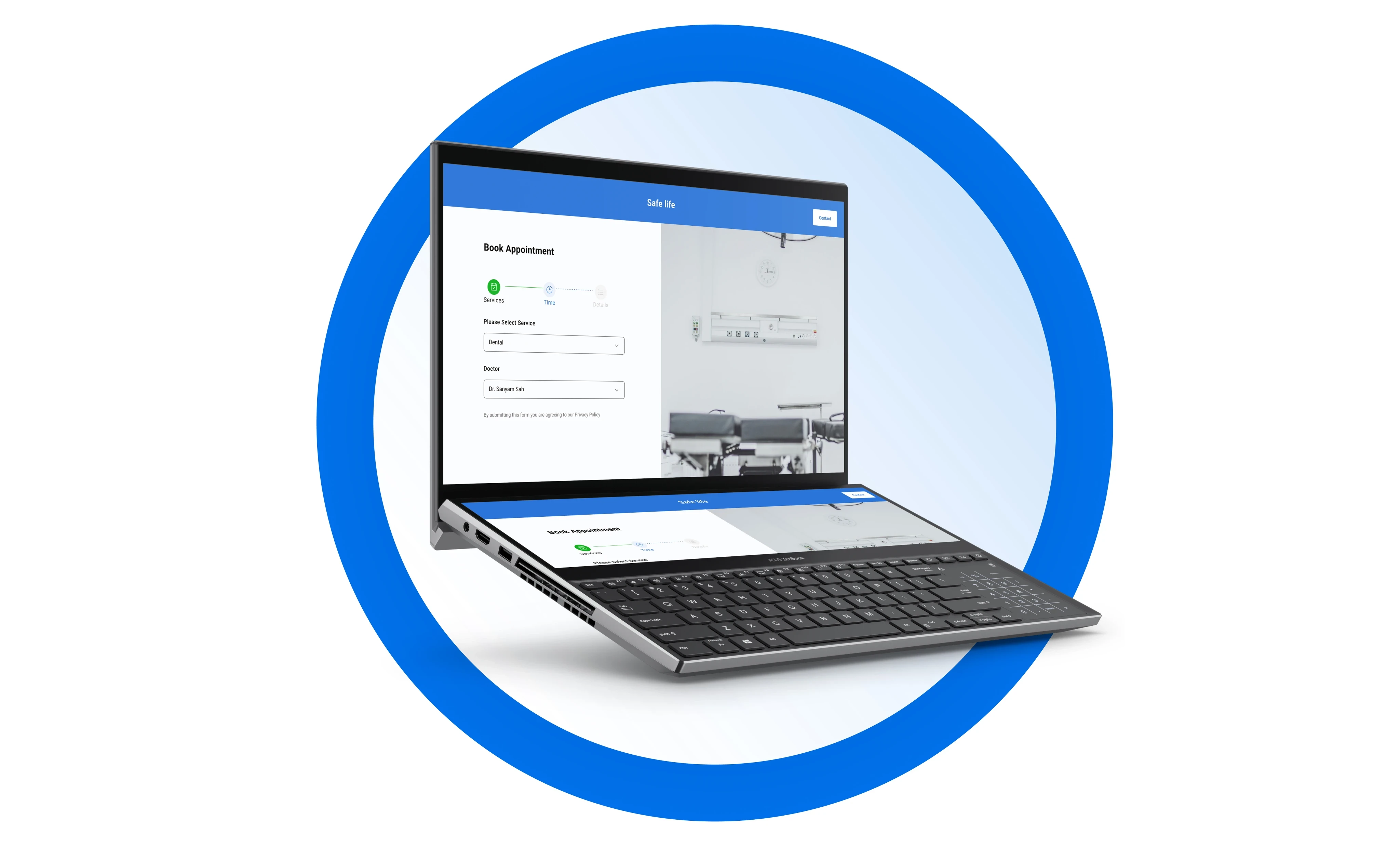
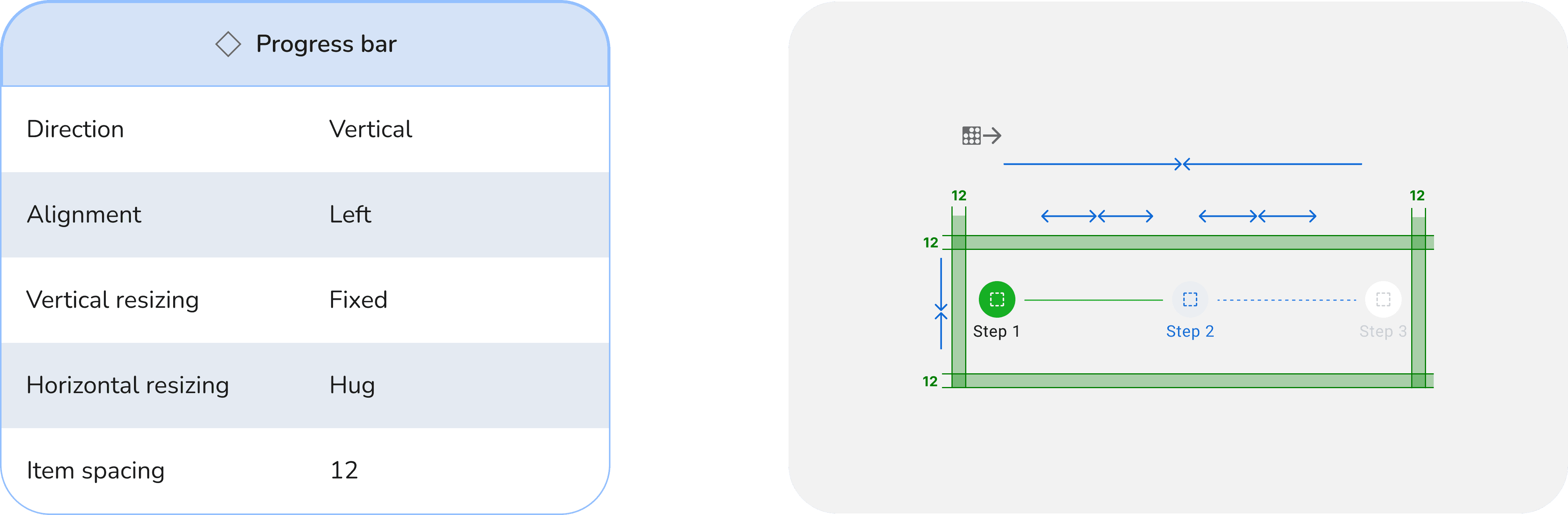
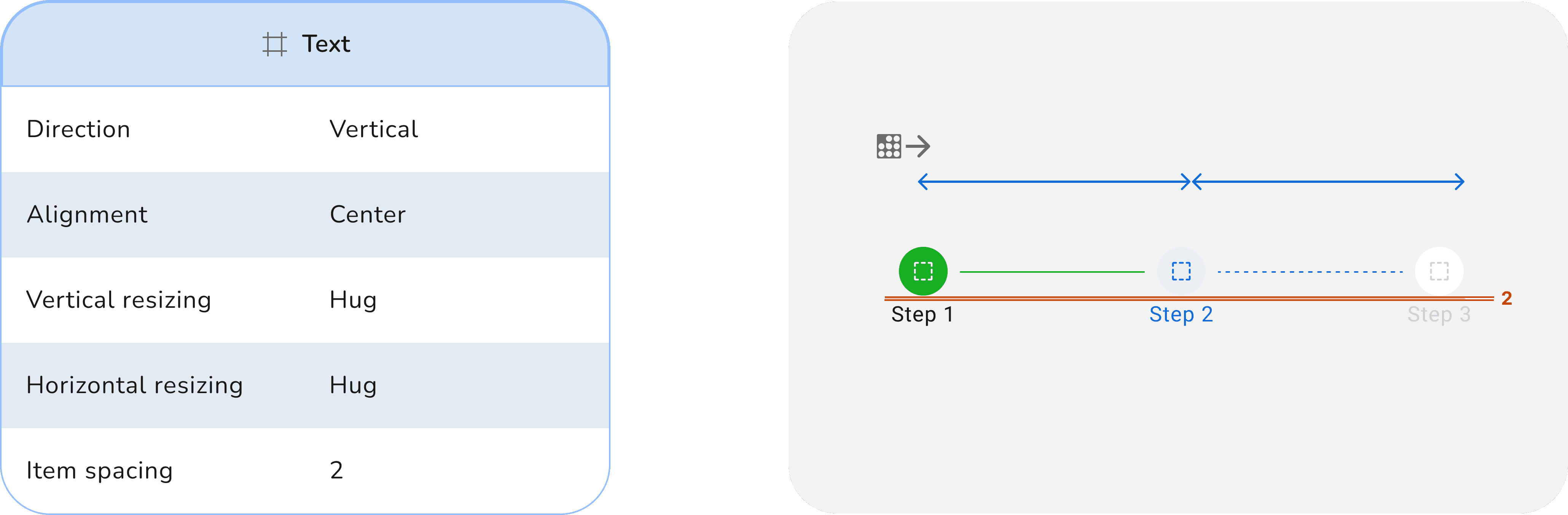
Progress Bar
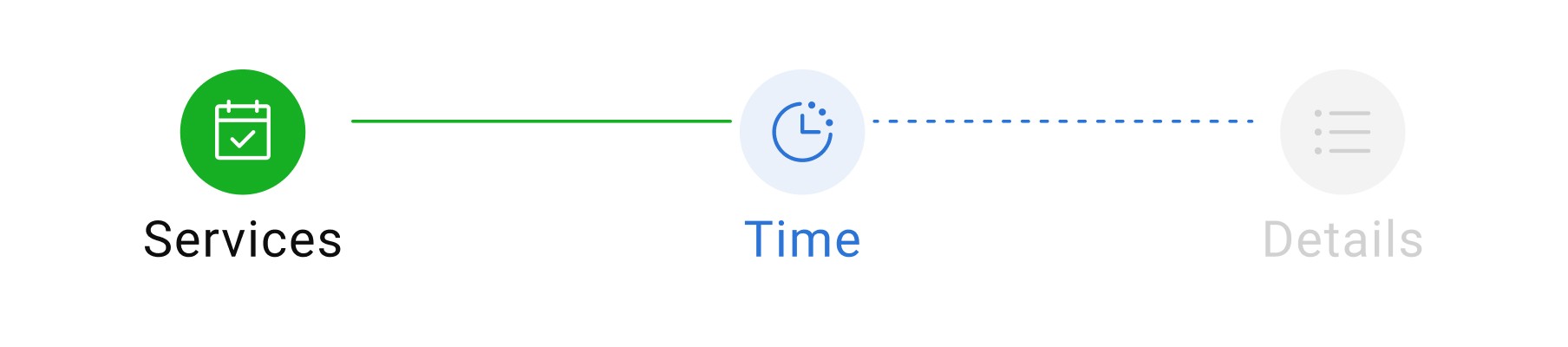
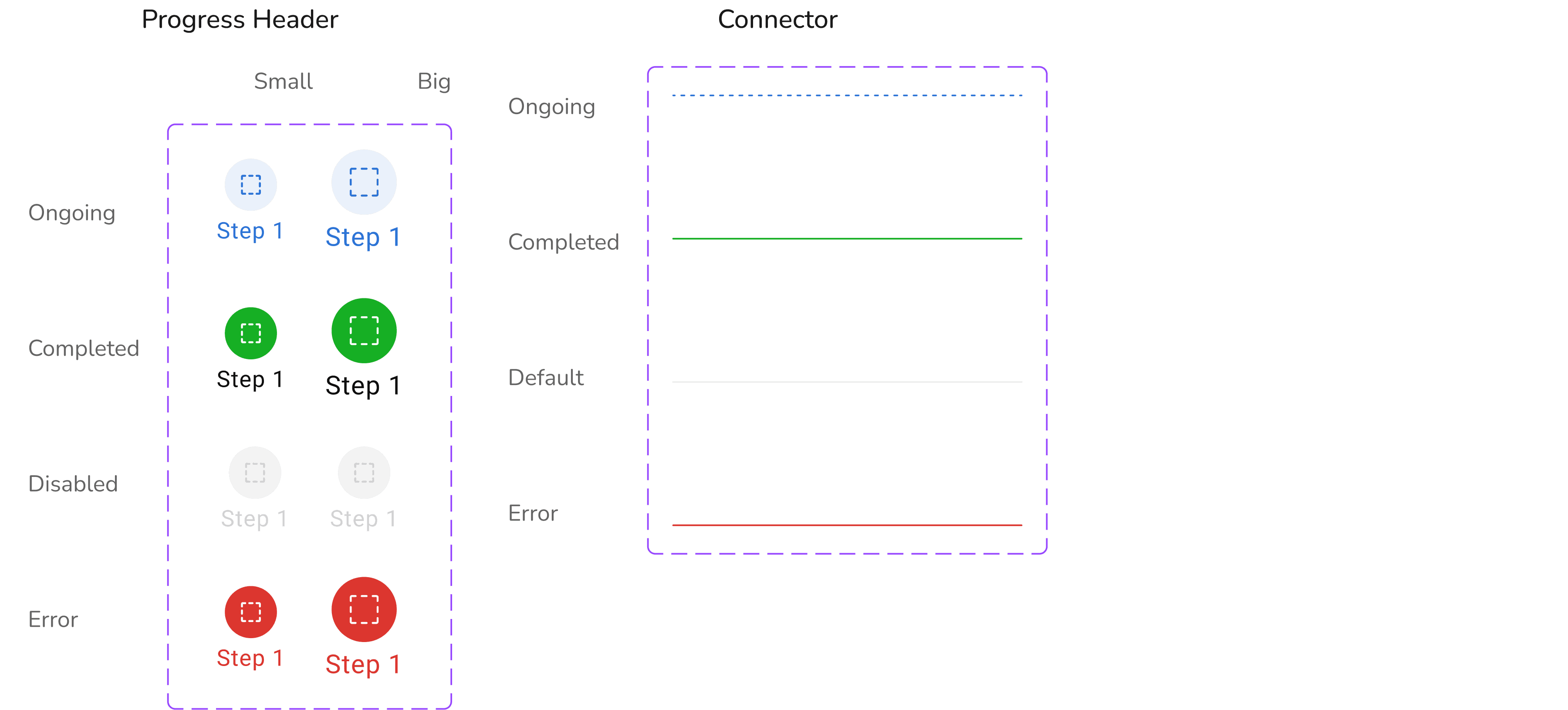
A progress bar shows task completion at a glance, reducing uncertainty and offering real-time feedback.
Base Component
Error and Edge Case States
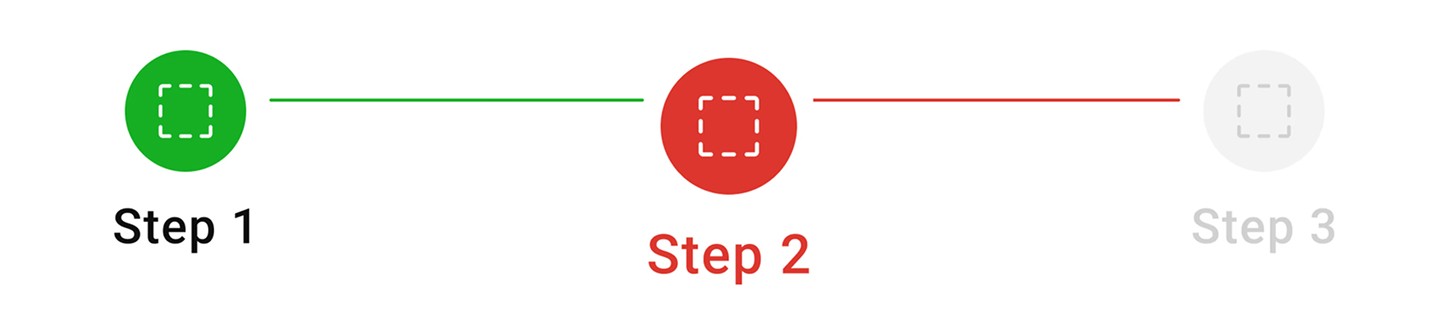
Error scenarios are documented with red indicators and clear messaging to guide users, ensuring clarity and issue resolution.
Component Breakdown
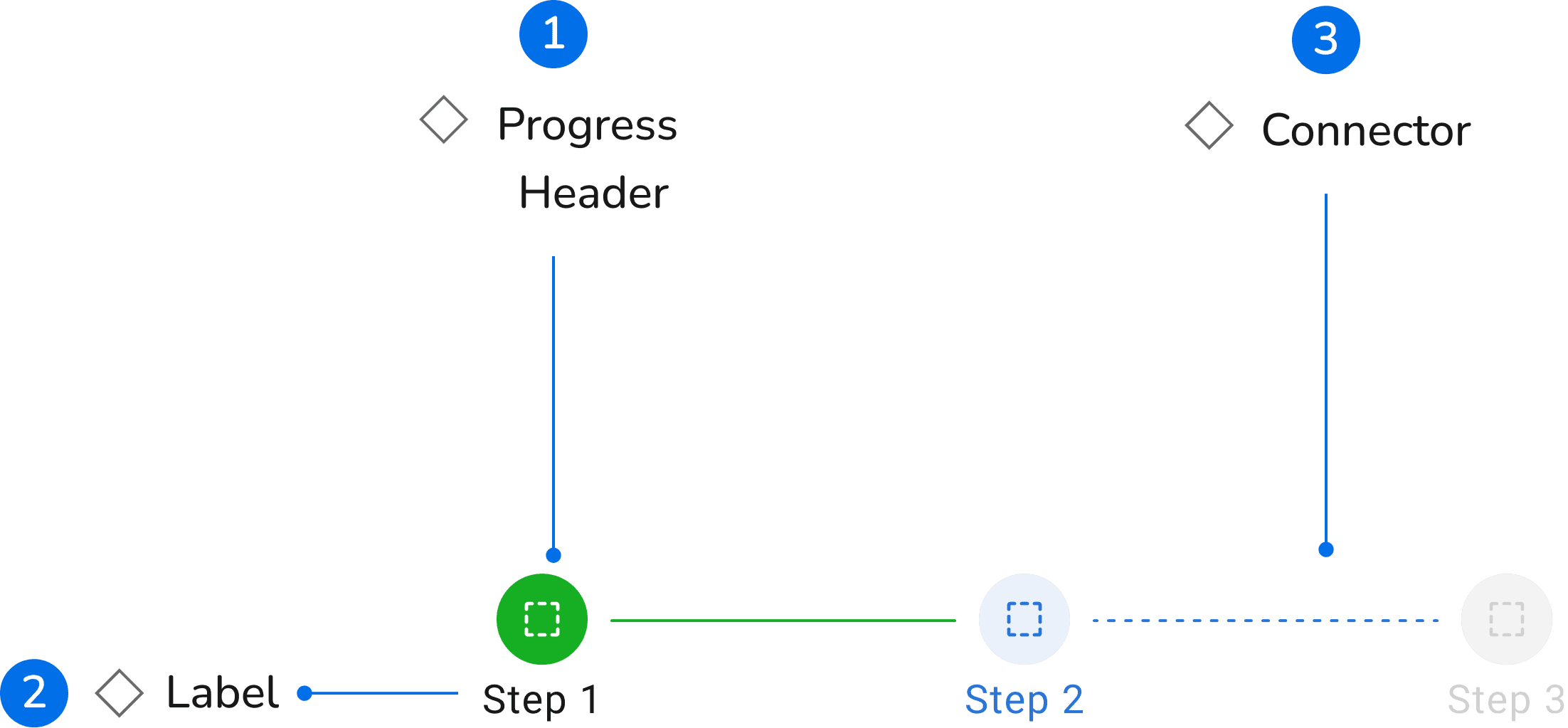
Show clear stage headers with icons and labels to guide users.
Connect stages visually to indicate progress flow and current status.
Layout and Spacing
Mobile Component
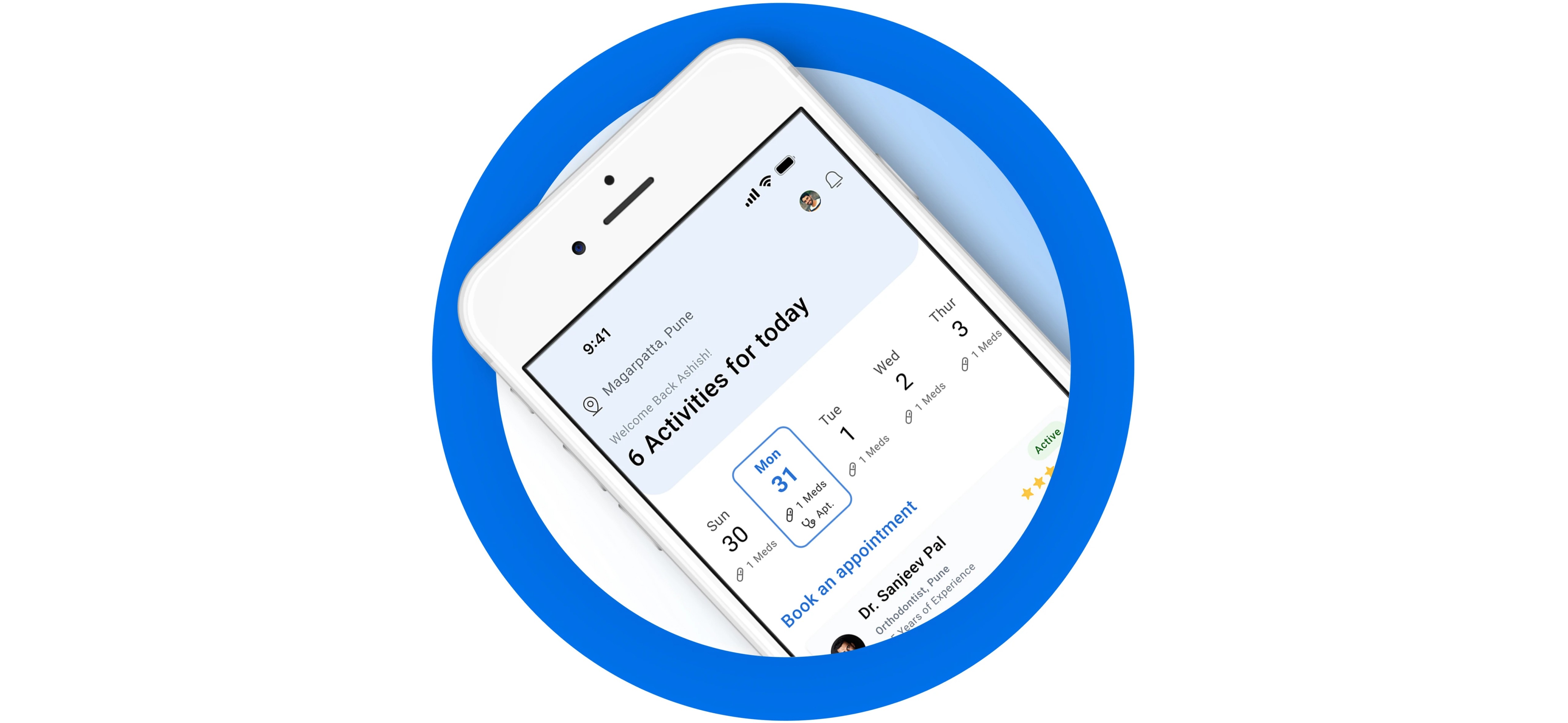
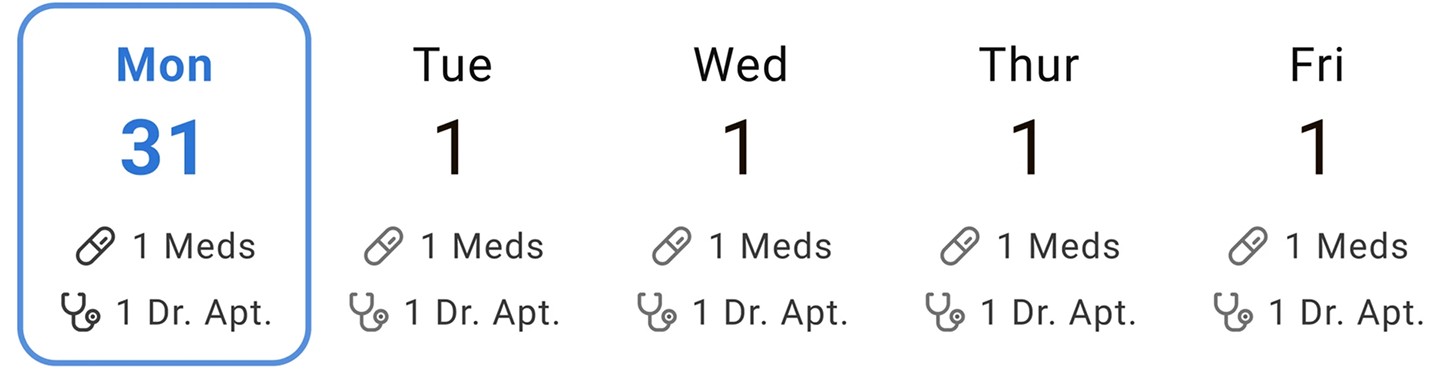
Streak Calendar
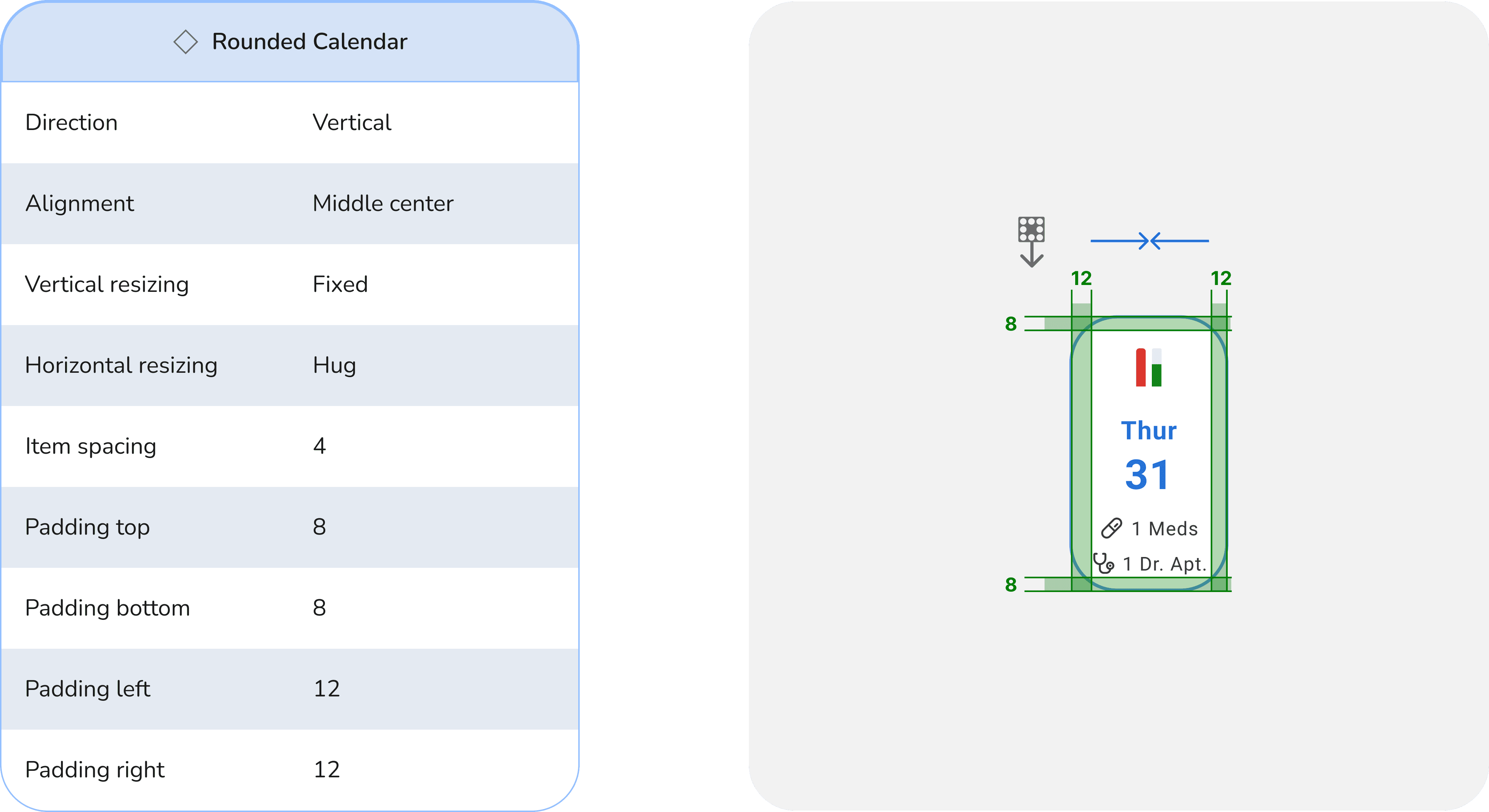
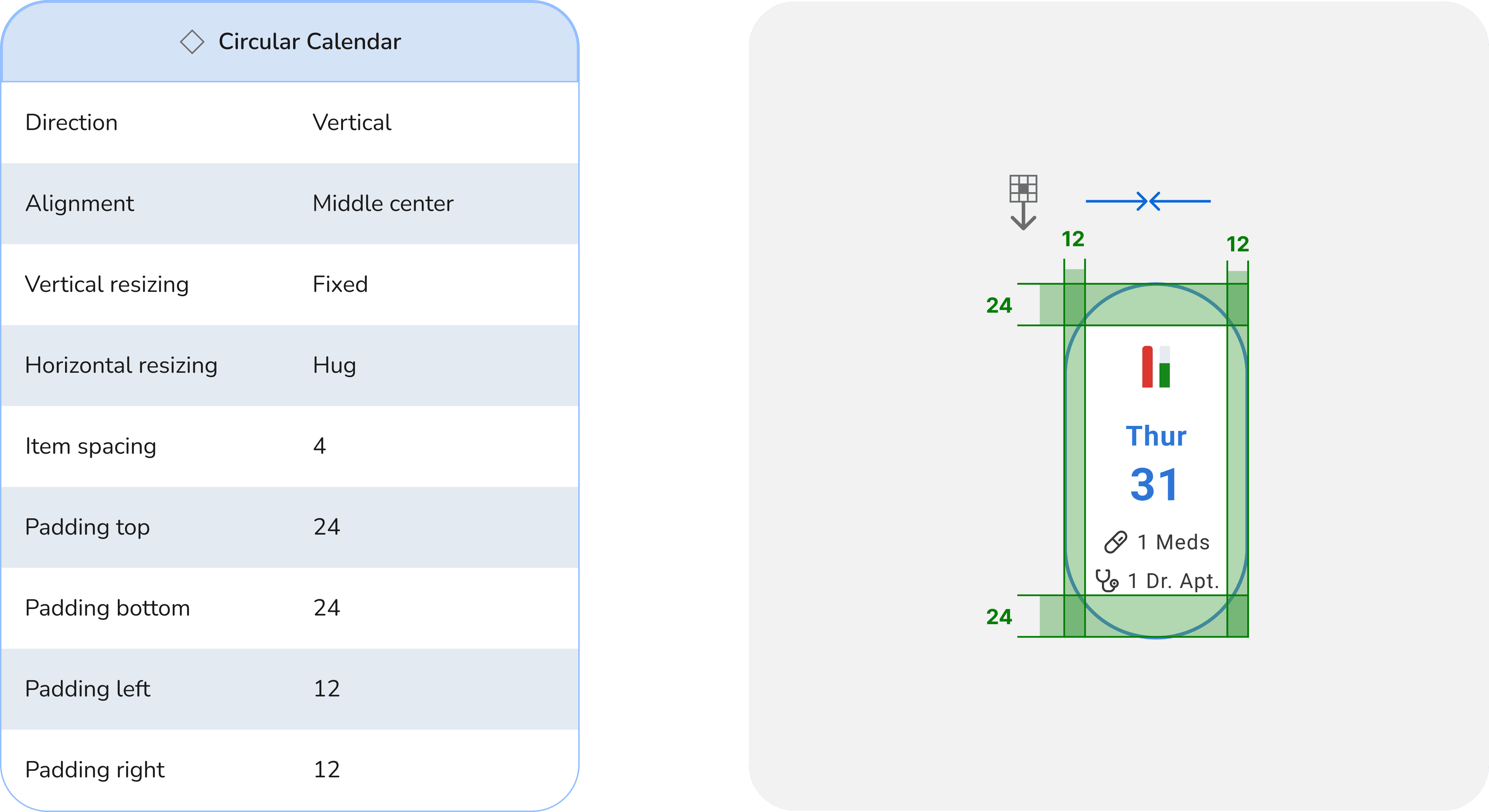
A streak calendar shows daily progress, habit continuity with clear visual cues.
Base Component

Component Breakdown
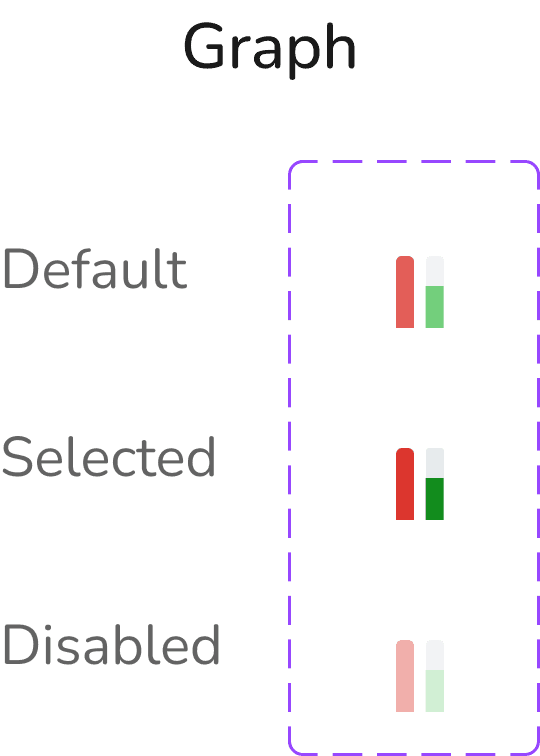
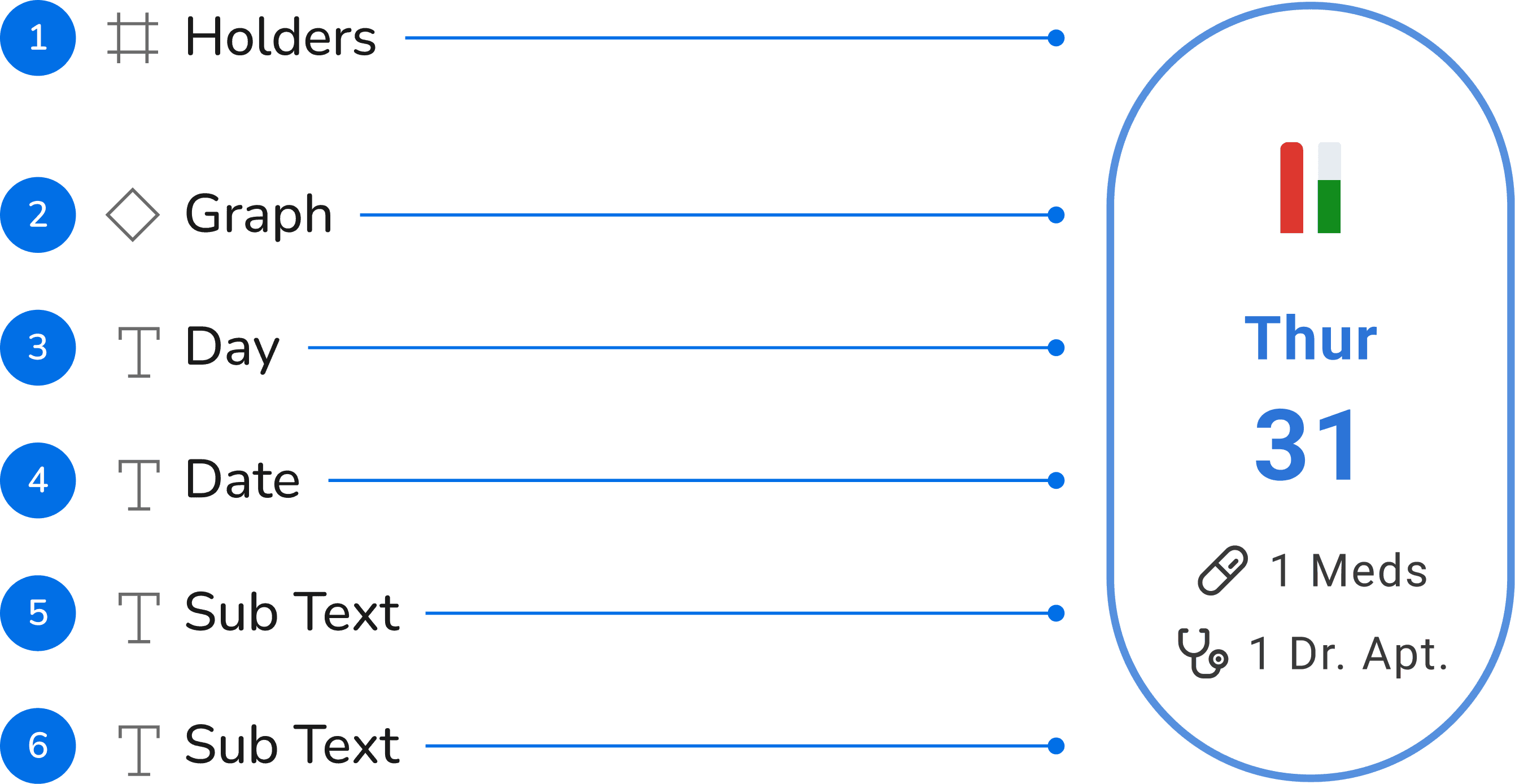
Holders and graphs display state actions and visualize daily progress based on the app use case.
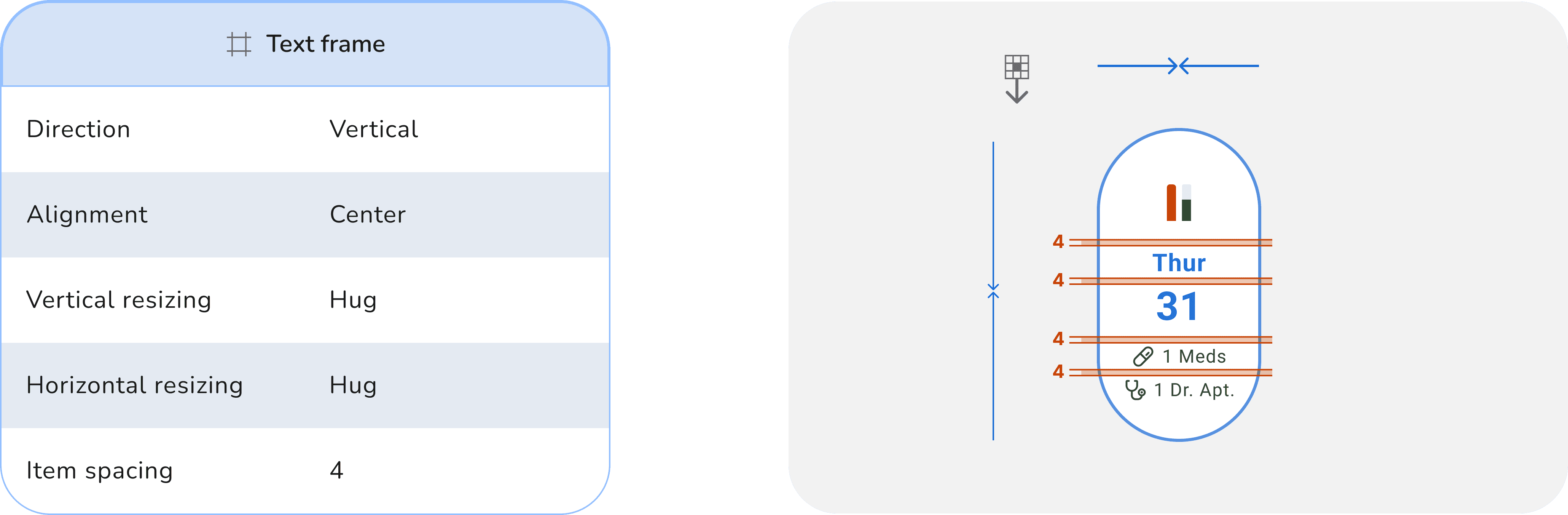
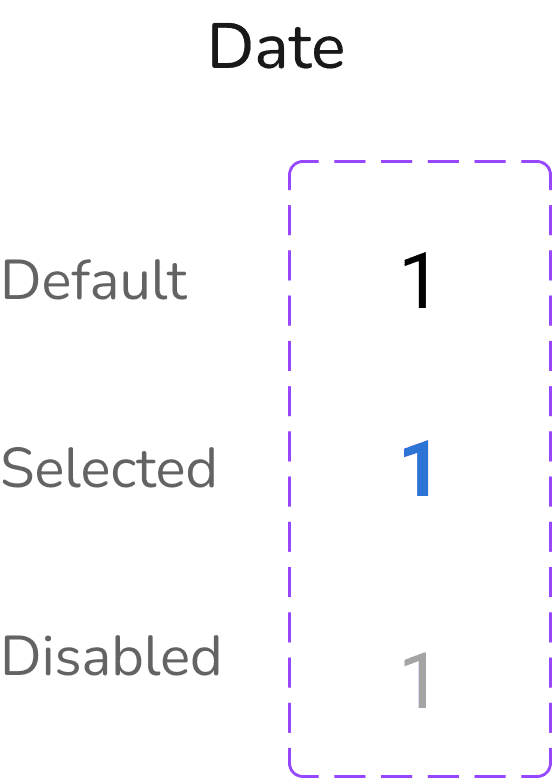
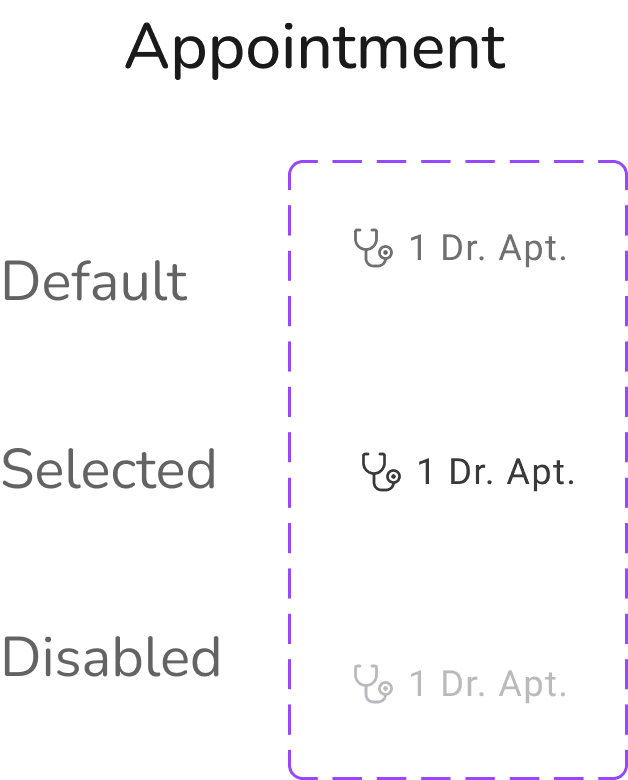
Day, date, and subtext guide users and support primary or secondary task actions.
Layout and Spacing